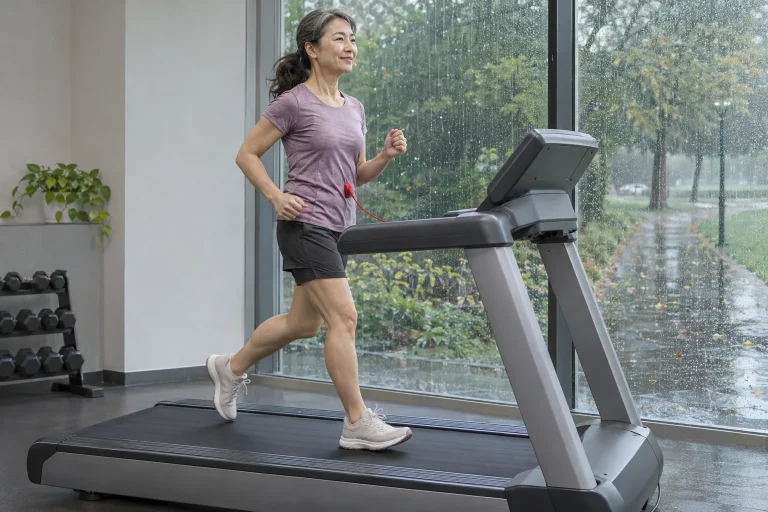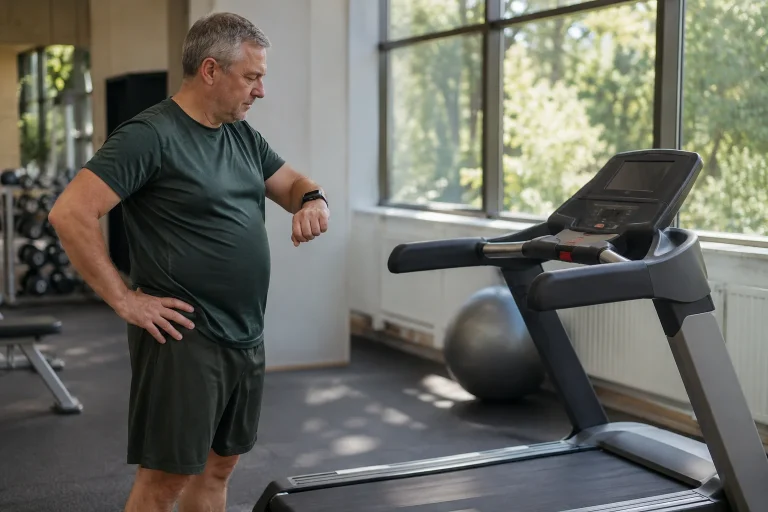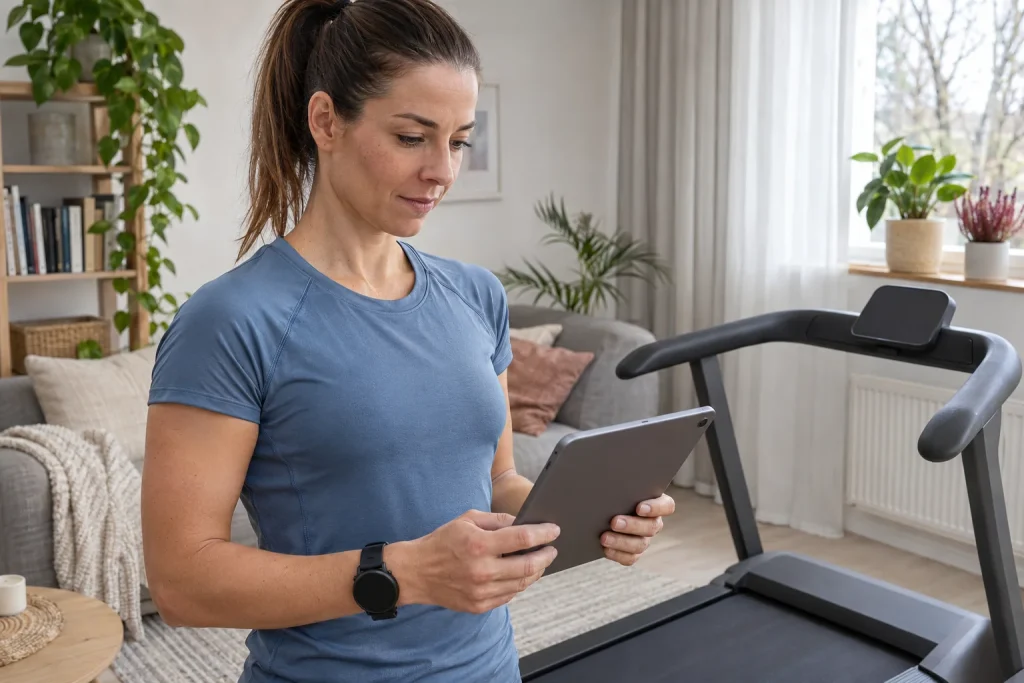
The Technogym MyRun is essentially a home treadmill whose digital environment connects to your own tablet or phone. A tablet can provide a larger training interface, Apple Watch can supply heart rate, and previous outdoor activities can become starting points for new indoor tasks. Multiple devices help when you know each role: the machine moves the belt, the app organises the digital workout, the watch measures and the log preserves the result.
This article uses Technogym support and app descriptions checked on 21 November 2026. We add our own data-path plan, route-interpretation example and acceptance checks alongside the connection sequence. We do not claim an independent MyRun test. Nor do we automatically call the manufacturer’s app-mediated Apple Watch connection direct GymKit pairing: the two solutions can involve different starting and permission processes.
Tablet and phone: distinguish two app names
The manufacturer’s current connection guide names Technogym Live App for tablets and Technogym App for phones. The names are similar, but setup paths differ. On a tablet, sign into Live with a Technogym ID, enable Bluetooth and select the active machine in the app. The guide says the treadmill should not meanwhile be connected to another device or in standby.
For phone use, add the machine to your profile in Technogym App; the support guide mentions equipment discovery in Coach or the Explore environment. Device connection follows when starting the chosen Session or Routine. For this path, the manufacturer also describes machine changes following the workout. This is its own Technogym workflow, not equivalent control capabilities granted to every external app.
Include full app name, version and device model in your equipment list. Success on one path does not mean the other has identical menus. The manufacturer’s product page also recommends checking compatibility in your own device’s app store. An operating system listed in an older guide does not establish that every current app function runs on your existing tablet.
Your connection sequence: establish one reliable data path first
The clearest commissioning plan has four stages. First identify the machine and learn basic operation from its manual. Second, connect your chosen tablet or phone app. Third, add the heart-rate source, then perform and save a short data test at a workload appropriate for you. If something fails, you can see which previously working connection received a new element.
For connection problems, Technogym support mentions disconnecting previously linked phones, tablets and external apps, among other steps. In your first test, avoid launching several apps seeking the same machine simultaneously. Record which device remains the active workout interface. Choosing one initial path is not a permanent restriction, but a state you can identify again when troubleshooting.
Arrange device placement with the machine stationary. Secure the tablet in its proper holder and keep cables away from moving parts and operating areas. Do not learn phone and watch setup during the first faster section. Testing digital connectivity makes sense when basic machine operation is already familiar and menu searches do not distract you from the belt.
Apple Watch: an app and permissions mediate the connection
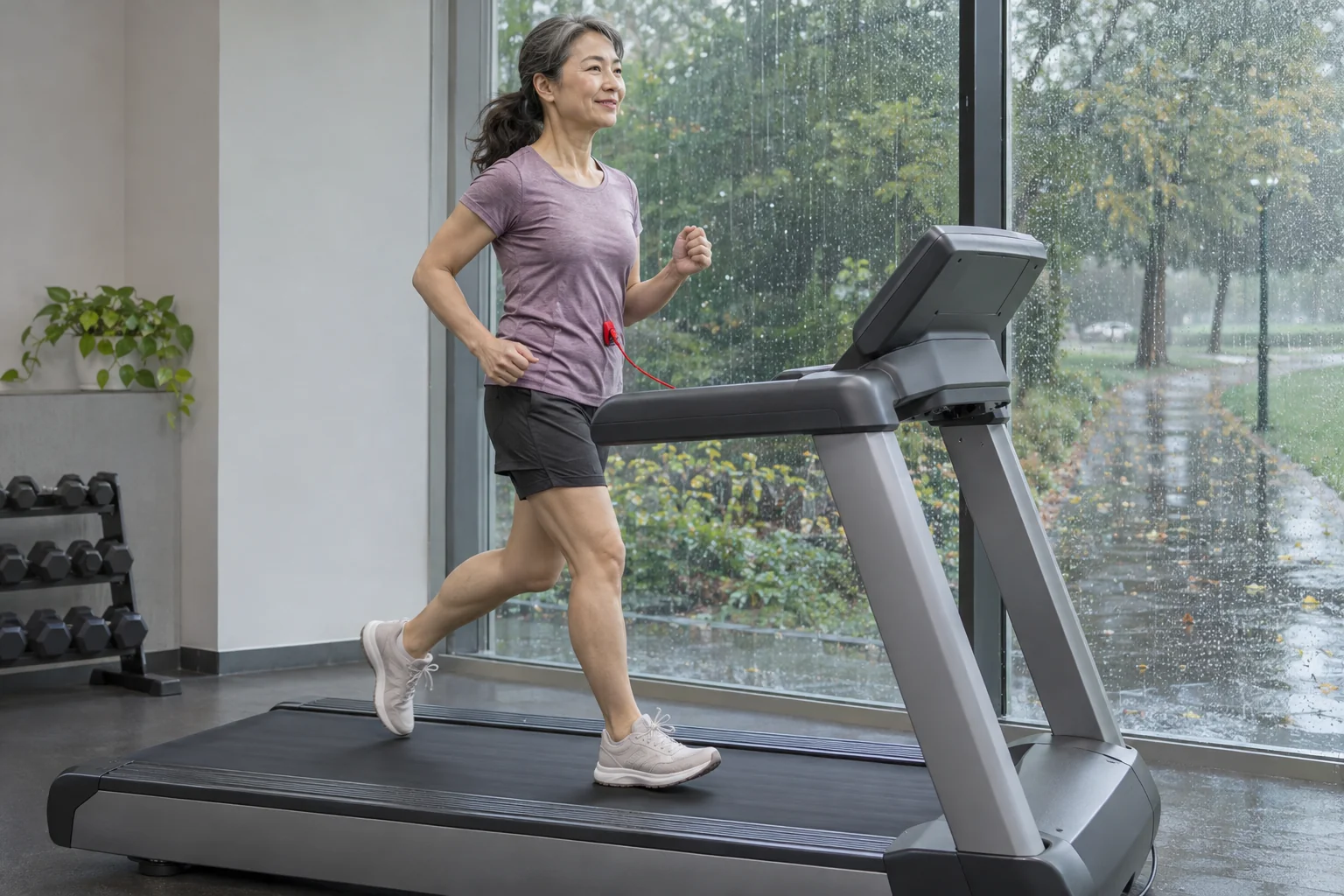
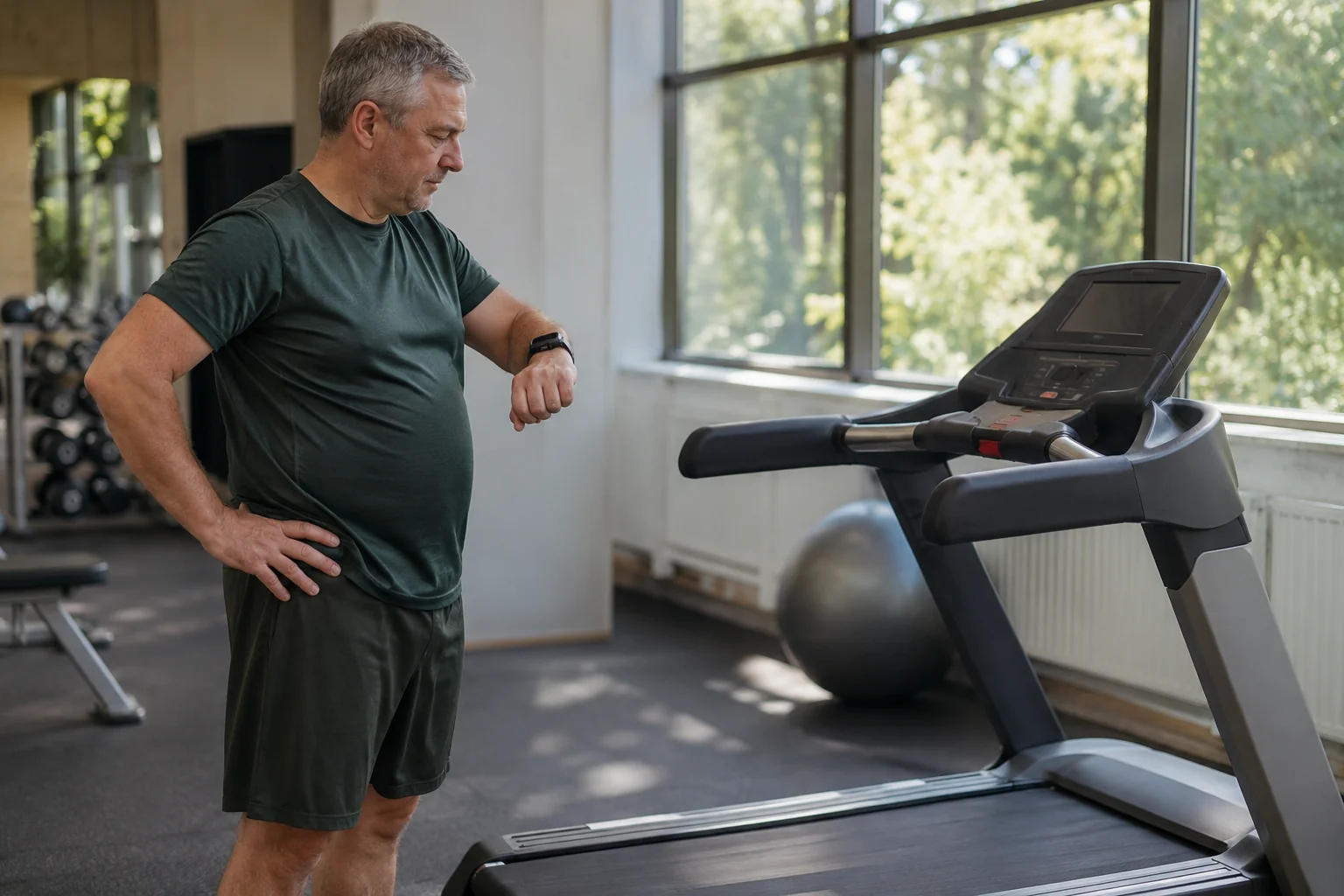
The manufacturer’s Apple Watch guide, which also concerns MyRun, requires installing Technogym App on iPhone and Apple Watch and opening the watch app. Bluetooth and Apple Health permissions are required for the described process. The support page describes real-time heart rate and synchronisation with Apple Health and Fitness after the workout. App connectivity and permissions are therefore part of operation here.
Separate two outcomes in your check: does the correct heart rate appear during the session, and can you find the saved activity afterwards? Success at the first does not replace checking the second. Know which watch supplies the displayed number too. With two Apple Watches in the household, selecting the correct user and Technogym account matters as much as radio connectivity.
Manufacturer support also describes reinstalling the watch app when permissions were previously skipped. Before doing that, identify what is missing: the app, a permission, heart rate or the completed save. Preserve access to saved workouts and follow guidance for your actual app version. Solve a named symptom rather than randomly reinstalling the entire home system.
 Enlarge image
Why is this different from holding a watch near a GymKit reader?
Identify direct GymKit connectivity through the manufacturer-supported procedure for the appropriate machine and Apple Watch. The MyRun guide checked here instead requires a separate Technogym app and permissions. Do not merge the two processes under one “Apple Watch compatible” label. If direct watch pairing is decisive for you, verify the particular equipment and supported method.
In your own comparison, ask what happens before starting. Do you open an app on the watch, select a heart-rate connection in the digital interface, or hold the watch to a designated reader? The answer identifies the path in use. A machine’s brand does not mean all its home and gym models connect identically; compare experience on another Technogym machine in this way too.
Convenient heart-rate display does not add a new diagnostic function to the treadmill. The system may forward watch data, but that does not make it an ECG examination or direct sweat measurement. For the technology decision, consider whether the required workout data appears and saves in the right place. One forwarded number is insufficient for personal conclusions about your body’s condition.
My Activities: completed workouts, favourites and outdoor history
According to the manufacturer, Technogym Live’s My Activities section shows a weekly workout list, various performance data and summaries. Favourites are accessible in My Favourites. Outdoor history arriving from external services can also play a separate role. Distinguish a workout already completed from a template or favourite you want to use again.
In our logging example, a Tuesday indoor run is a completed activity, while a repeatable task saved from it provides a basis for a future workout. The entries have different purposes. For the first, examine time, distance and data origin; for the second, which task will start next time. A favourite’s existence does not establish that the latest session saved successfully, so review the actual activity list at the end of the week.
A weekly summary can be practical when outdoor and indoor activity appear together. For detailed comparisons, retain environment and data source. Five kilometres along a route and five kilometres reported by a treadmill are not identical in every circumstance. Machine settings indoors, and terrain and weather outdoors, remain important background information.
Strava Routes: selecting a route, not measuring your room’s location
Technogym’s Strava Routes guide describes routes accessible from My Activities. Linking a Strava account is required; saved or created running and walking routes can be selected as separate tasks. The guide shows a route map and gradient chart and allows up to 24 hours for changes to update. A newly added route’s absence does not therefore necessarily indicate an immediate connection fault.
During indoor use, the moving map marker shows progress along the selected virtual route. You remain in your own room. An imported route, a previously recorded activity and the current workout are three different data packages. In a well-organised log, you know each purpose: the route supplies locations and a profile, past activity preserves history, and the current workout records the work actually performed now.
In your preparation plan, you can use a familiar race route’s profile for orientation, but an indoor repeat is not a complete race simulation. The room lacks the same bends, ground, wind and field of runners. Assess app-supported speed and incline tasks as specific functions rather than a promise to reproduce every outdoor element. Choose the planned workout’s load separately.
A worked example separating outdoor history from today’s task
Suppose an imaginary previous outdoor activity had a six-minute first kilometre and a six-minute-thirty-second second kilometre. Their mean speeds are 10 and approximately 9.23 km/h. These summarise two sections rather than describing movement every second. If the digital system uses a more detailed profile, its source and processing matter too. Do not confuse kilometre averages with commands to follow moment by moment.
You do not have to repeat that previous run automatically on a more tired day. As your own planning decision, choose today’s aim first: familiarisation with the route, steady movement or a pre-planned sectional task. Previous data is material to work with, not compulsory performance. Technical repetition can help build a comparable task, but does not assess today’s capacity for you.
A simple example can illustrate data quality too. If a location point incorrectly jumped eight metres in one second, a naive instantaneous-speed calculation would give 28.8 km/h. This is neither actual MyRun data nor a claim of faulty app processing. It illustrates why raw location data, processed activity and an accepted workout profile need separate treatment; one isolated instantaneous value is not itself a pace to follow.
Saving to Apple Health and your chosen log
The manufacturer’s watch-support page presents end-of-workout Apple Health and Fitness synchronisation as part of the described app process. Your check is complete only when you also open the finished activity in the destination system. A workout visible in My Activities, data permitted in Health and an activity in another service are separate checkpoints. Do not infer every save from one successful heart-rate display.
For the first data test, record finishing time, distance and duration, then compare the summaries you open. Also note which sensor supplied heart rate. If several apps separately record the same session, choose the primary logging path beforehand. When investigating duplicates later, start time and source labels are much more useful than the activity title alone.
Do not resolve a distance discrepancy by immediately changing one number arbitrarily. First identify which value comes from the machine and which is a separate watch-based indoor estimate. Pause handling and the time basis for finishing can also differ between views. Our article on investigating differing treadmill and watch distances provides a more detailed sequence for this task.
 Enlarge image
Give premium content, equipment and subscription separate rows
Technogym Plus is a premium-content service linked to a Technogym ID. The current international information describes time-limited additional access with a MyRun purchase, not perpetual free access to all premium content. Account and subscription help also treats gift and trial activation separately. Clarify the package offered in the particular country, activation and later renewal when buying.
Your cost sheet should have three separate items: the treadmill’s one-off price, the personal display required and the selected content service. An existing tablet counts as usable only if the current app runs on it and connects to the machine. If you need a new device, that cost does not disappear because the treadmill has a clean design without a large integrated screen.
For the subscription decision, list three contents or functions you actually use, then check which requires the package. Test these during the trial rather than only browsing the home screen. Make the trial end and service management traceable in your own account. Working Bluetooth connectivity and access to paid video are separate conditions, so a single “it has an app” cannot settle costs either.
Know the machine’s own operation alongside the app
Technogym’s switching guide describes a separate main switch and standby state. A connection shown in the app is therefore not the same as physical power supply. Learning Start and Stop, the safety stop and manual-specified use is independent of digital functions. Closing an app does not explain every physical state of the machine.
In your acceptance plan, ask for independent machine operation first, display attachment and connection next, then watch heart rate and the saved activity. Briefly document the chosen app version and successful steps. If a new phone or update later changes the interface, you have a concrete starting point rather than rebuilding the whole system from memory.
In this system, MyRun divides work between the machine, your screen and your personal training log. It suits you when the tablet or phone path is comfortable to use and the desired data actually reaches the right place. Also read our comparison of treadmill and outdoor running: a digital route can provide a useful training task while the indoor environment retains its own characteristics.
Sources and verification
Checked: 21 November 2026. We describe functions using Technogym product and support pages and the developer’s app description. The connection checklist, data-quality and pace examples, and acceptance sequence are our own editorial analysis, not a machine test performed or medical peer review.
- Technogym: MyRun product page and device compatibility.
- Technogym: connecting a tablet and phone.
- Technogym: Apple Watch, Bluetooth and Apple Health permissions.
- Technogym: My Activities and outdoor history.
- Technogym: Strava Routes on MyRun.
- Technogym Plus: premium content and account-linked access.
- Technogym: subscription and trial information.
- Technogym: MyRun main switch and standby.
- Technogym Live: developer’s App Store listing.
How Futószív articles are prepared: our editorial guidelines.