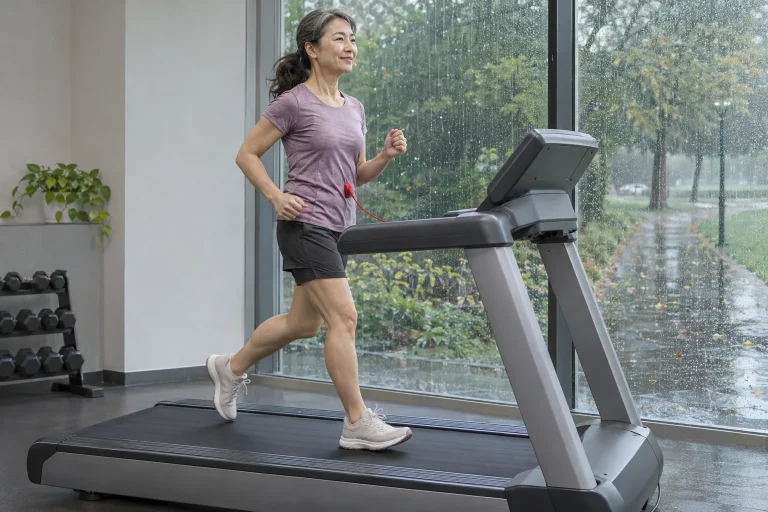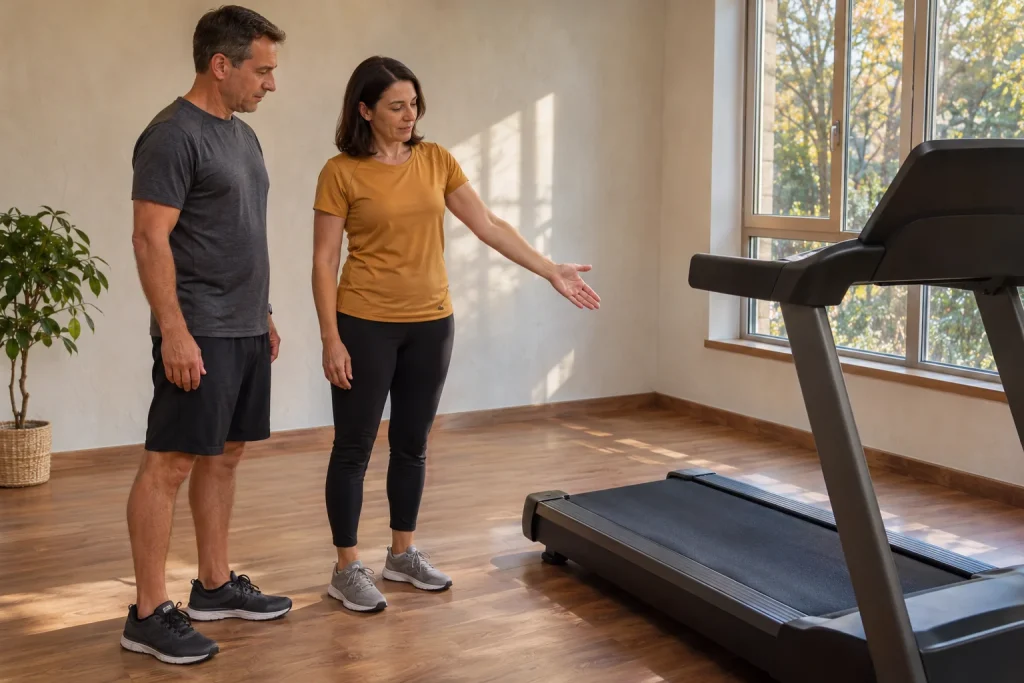
The SOLE F85’s large touchscreen and wide running surface can form the basis of a comfortable home training space. But specific tasks performed with your own apps reveal the premium console’s value. Playing video, receiving treadmill data, adjusting incline and logging a completed workout are different connections. A machine listing an app’s name does not reveal which of those functions work automatically.
This guide starts from F85 information and Kinomap’s own operating descriptions checked on 21 November 2026. Our compatibility checklist, simple incline calculation and showroom test plan make the specification usable. We do not claim an independent treadmill test. Nor do we mix the functions of the 2026 version examined with features shown in a video of an earlier F85 with the same name.
The current F85 and earlier versions
The current US F85 product page lists a 3.5-horsepower motor, a 22 × 60-inch running surface, a 15.6-inch touchscreen and supplementary white LED displays. It also lists Wi-Fi, Bluetooth audio, USB-C charging and a tilting, swivelling console. Handlebar rollers assist local speed and incline adjustment. These features indicate the machine’s design, but cannot replace testing the app connection you want.
Model year has tangible significance here. SOLE’s manual selector separates F85 machines bought from 2026 from those bought in 2023–2025. The international 2026 page lists 0–15 per cent incline, while an earlier F85 description may include a negative incline range. We therefore do not automatically attribute a decline function seen in an older video to the current version. An identical model name does not establish identical mechanics.
Manufacturer capacities also differ between regions: the US page states 350 lb, while the international specification gives 150 kg or 330 lb. Decide using the actual available unit’s identifier, local documentation and written distributor information. In this article, F85 is a product name requiring version distinctions; we do not combine favourable figures from different markets into one imaginary machine.
Build your app-compatibility checklist around four questions
On your planning sheet, first ask where content appears: an app running on the console, a mirrored phone screen or a separate device. Second, ask where speed and distance originate. Third, can the app send commands to the treadmill, and exactly which setting does it change? Fourth, where can you find the workout afterwards? Four verifiable answers replace a single “yes” box.
SOLE/Dyaco lists SOLE+, Zwift and Kinomap compatibility for the 2026 F85. This usefully starts the search, but record the exact app name, version and intended function together. Someone watching video needs a different connection from someone wishing to follow virtual inclines. Without naming your aim, a compatibility test may easily establish success at a different task.
| Your question | What should you look for in the test? | What does it not establish alone? |
|---|---|---|
| Content | Does the selected picture and sound appear? | Automatic treadmill control. |
| Data | Which device supplies distance and speed? | Commands that can be sent to the machine. |
| Control | Which setting changes in the supported mode? | Identical behaviour in every other app. |
| Saving | Can you open the activity in the destination account? | A bidirectional connection during the run. |
You can work through the table with the seller before linking accounts to services. If all you establish is that the phone sees the machine, three further tasks remain open rather than all four being answered. Precise wording is not a formality: it avoids discovering at home, after successful pairing, that you never tested the function decisive for you.
Kinomap: automatic incline and manual speed are different
Kinomap’s structured-training description, updated on 29 July 2026, distinguishes two running modes. In incline-based INC mode, incline may change automatically on interactive equipment; otherwise, the app requests manual adjustment. For speed-based SPD mode, it explicitly states that for safety reasons it does not control machine speed, even on interactive equipment; the user must adjust it when prompted.
Do not therefore translate “Kinomap-compatible F85” into automatic speed adjustment. In your showroom task, check incline following and manual speed adjustment on separate lines. Actual hardware, firmware and connection mode still matter for the incline function. Kinomap’s general description is not itself a test of the particular F85 standing in front of you.
Learn one simple, pre-selected mode between the treadmill and app. Perform initial setup with the machine stationary; test movement functions under the manual’s instructions in circumstances appropriate for you. The aim is to observe what changes, where the instruction comes from and where you stop the task. Reaching maximum incline or the fastest section is unnecessary for this.
 Enlarge image
Route gradient and machine incline are separate data
In Kinomap’s video-screen description, current gradient means the incline at that point on the route. The interface may also show a preview of the next change and an elevation profile. Displayed route data does not mean the machine is at exactly that incline at that moment. Consider the interactive connection, supported range and actual machine state together.
Our teaching example: an imaginary route might contain a 4 per cent ascent followed by a 3 per cent descent. That does not turn a treadmill specified only for positive incline into a verified decline-capable machine. If the app applies substitution or a limit, learn what happens in the particular operating mode. Do not call the landscape video’s direction and the surface underfoot identical merely because they appear together.
Mathematically, percentage gradient is one hundred times vertical rise divided by horizontal projection. In our worked example, 4 per cent means 4 metres of ascent over 100 horizontal metres, corresponding to approximately 2.29 degrees. Percentage and degrees are therefore different measures. Nor should a console “level” automatically be equated with a percentage unless your documentation explicitly establishes that.
The geometric difference between distance along a treadmill belt and horizontal projection can also be illustrated. For 1000 metres along an imaginary surface set at 4 per cent, the geometric vertical component is approximately 39.97 metres. This is an idealised calculation, not actual gain in altitude above sea level inside the room, and it does not establish that every log calculates its “elevation gain” field this way.
FTMS is useful, but name the particular function
Kinomap’s FTMS help describes the Bluetooth Fitness Machine Service protocol as a common connection solution for exercise equipment. It also notes that some manufacturers may require a console update. This helps explain the importance of firmware and exact hardware version. But the standard’s name does not remove an app’s own operating rules, such as Kinomap’s limitation on running-speed control.
Make your technical question complete: “On this F85 version, with this firmware, in this Kinomap mode, does the machine follow incline automatically?” That is much more answerable than “Does it have Bluetooth?” Briefly record the answer and successful setup. After an update, check the same previously successful task again, making any change visible as a specific function rather than a general impression.
Speaker pairing is not exercise-machine data connectivity here either. Music playing from your phone verifies the audio path. Speed arriving from the machine, sensor heart rate and incline changing on command are different tasks. Listing connections separately also avoids unnecessarily dismantling and rebuilding the entire home system when just one branch has failed.
Garmin data on the console: watch the direction
SOLE’s manufacturer article dated 19 October 2026 describes data display arriving from a Garmin watch at the F85. It also emphasises direction: this connection does not mean the treadmill automatically writes its own speed, incline and distance into Garmin Connect. Displaying data and transferring a workout file are separate processes here too. Check supported watches and available fields for the actual setup.
In your own arrow diagram, heart rate might travel from watch to console, while the complete workout reaches your chosen log by another route. The arrow’s direction prevents misunderstanding: data visible on two devices does not establish that everything can transfer in both directions. If Connect is your main training log, separately open the completed activity you intend to keep there.
Displaying watch stress or recovery indicators on the console does not turn them into direct laboratory measurements. The screen shows the original data or estimate; it does not examine your body again. When choosing the F85, assess data availability rather than assuming new diagnostic capabilities. A precise technical demonstration names the data source alongside the impressive numbers.
Make the large console a usable interface
The 2026 F85 manual describes pre-installed apps, mirroring and several workout views. We do not treat this as a promise of an unrestricted phone-style app store. Check a particular app’s availability separately; a 15.6-inch touchscreen does not imply unrestricted software installation. Supported mirroring or a separate device may offer another route for displaying your content.
In your interface test, first choose an important data view, then start the desired content. Check how to return to time and machine settings. Adjust console tilt and lighting before starting. A good screen experience avoids having to lean around reflections or search among content while moving.
When several people share the machine, include content accounts and personal training profiles in the handover routine. Another person’s favourite video does not mean their workout belongs in your log. Part of shared-equipment usability is seeing which profile is active before starting and finding the activity in the correct history afterwards.
 Enlarge image
A wider belt needs a complete home-placement plan
Our conversion makes the 22 × 60-inch surface 55.88 × 152.4 cm. The international specification, however, gives a complete machine approximately 1.983 metres long and 0.968 metres wide. The belt is only one machine dimension. Folded dimensions, approach, operating clearance and servicing access raise further questions. Plan the delivery route into the home separately from the size of its final corner.
Draw doors, turns and the final location on your moving plan. Ask the seller in what state, and with which service, the machine will reach the room. Delivery packages listed on the US product page are not Hungarian offers. Clarify local assembly, electrical specification and servicing with your distributor before treating a foreign advertisement’s price as the final total.
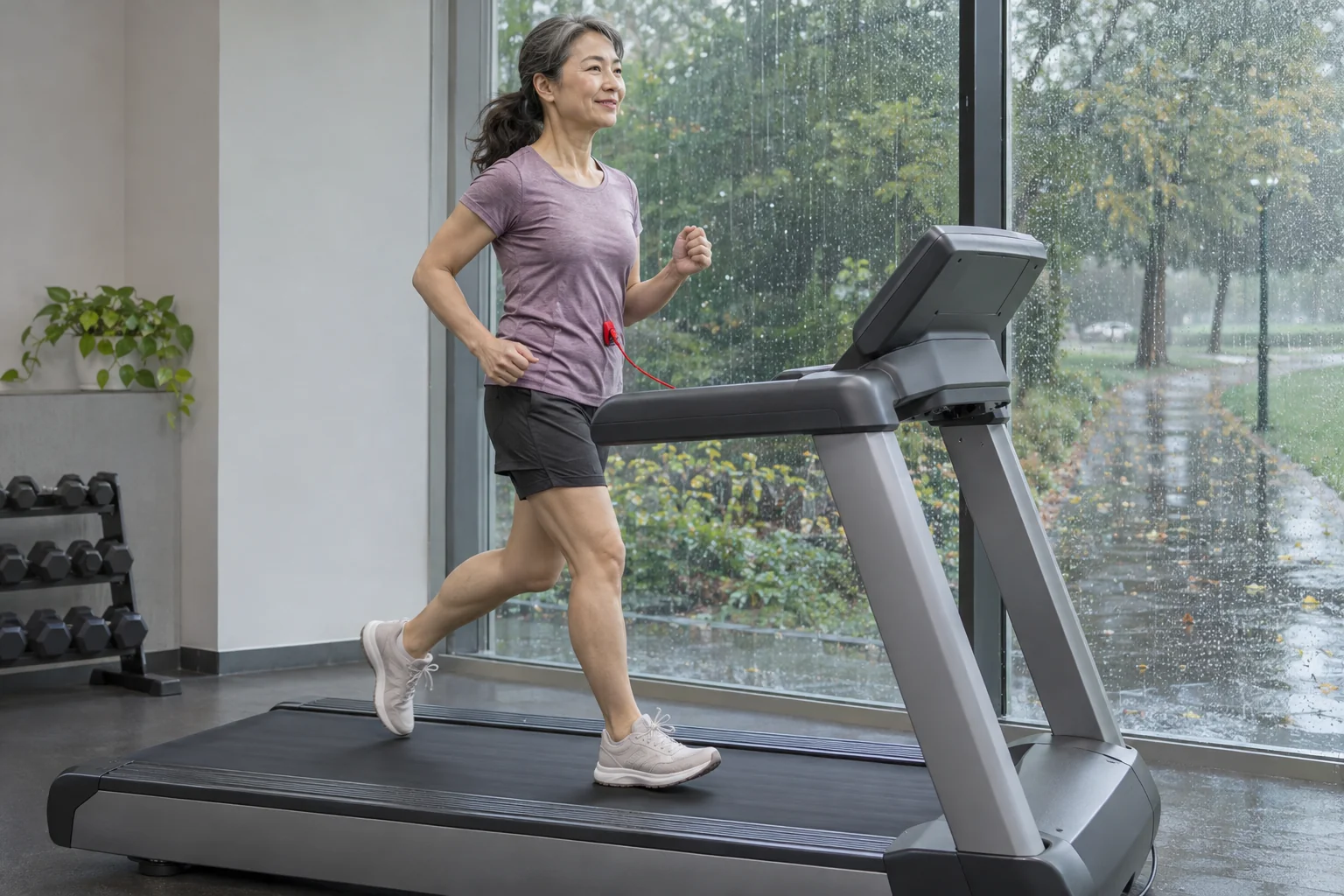
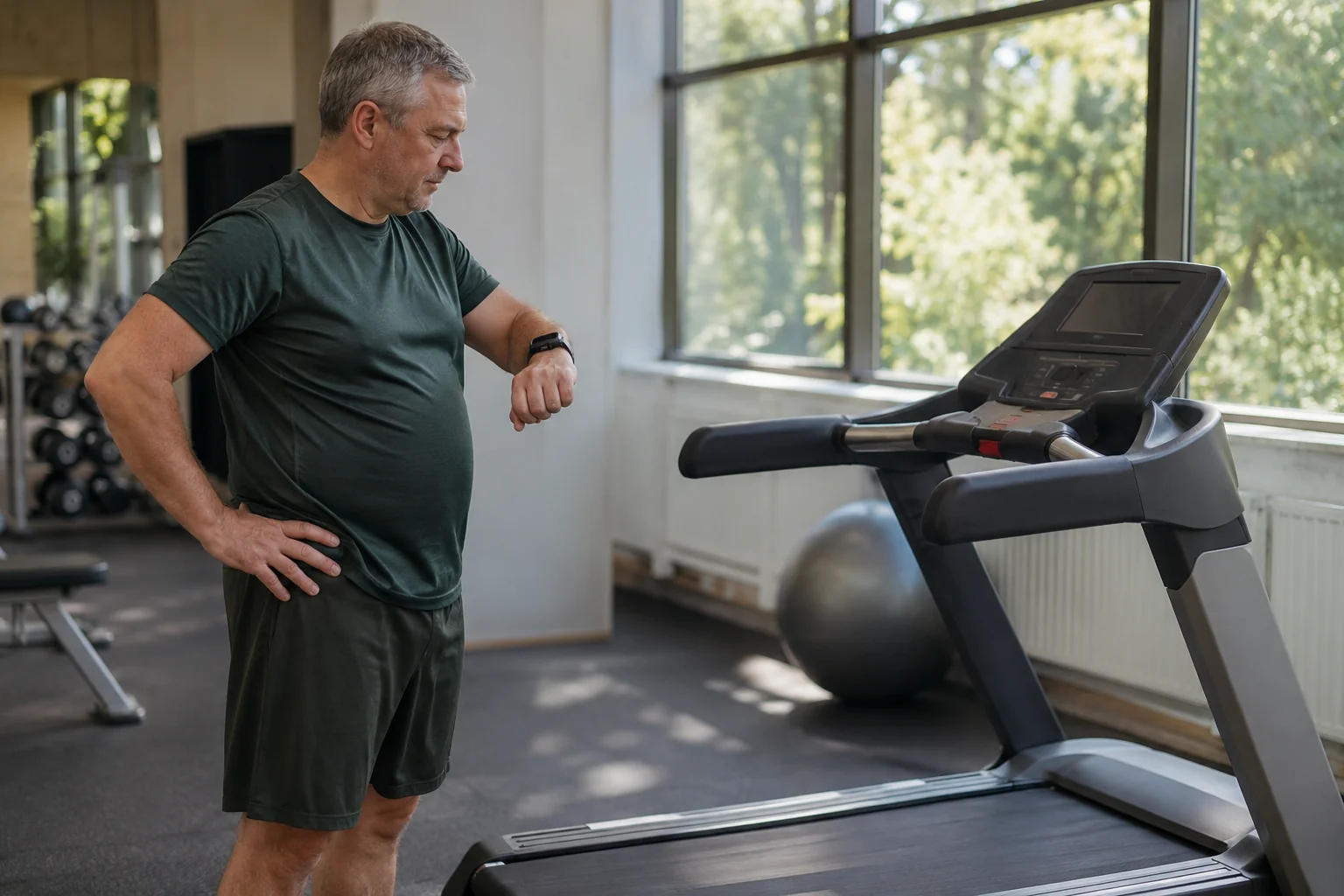
Allow space for display adjustment and cable routing too. The charging lead should not pass in front of the belt or necessary controls, and storage should not require placing objects on moving mechanisms. Your machine’s manual determines exact installation and maintenance. A spacious editorial image illustrates possibilities, rather than assessing your room’s suitability.
A showroom test that supports a decision
Bring a one-sentence objective to the demonstration: for example, “I want to follow Kinomap incline content, adjust speed myself and find the completed workout in my chosen log.” The test sequence follows directly. Identify machine and software, inspect the supported connection, then the particular mode and completed save. Record manual actions separately at the relevant points.
If the connection only partly works, the machine’s basic functions might still suit you. To decide, establish how important the missing element is. Paying for the larger console makes sense when its advantages serve your tasks; if you watch all content on another screen, the integrated interface carries different weight. Assess app compatibility task by task rather than through a single premium label.
A sensible F85 choice considers the large display, wide running surface and your own verified data path together. For the next check, our articles on differing treadmill and watch distances and on comparing indoor and outdoor running offer further considerations. Working technology helps when you know exactly what both the displayed data and automatic actions mean.
Sources and verification
Checked: 21 November 2026. This guide uses manufacturer feature descriptions and Kinomap’s own help. The geometry examples, compatibility table and test plan are our own editorial analysis, not an F85 test actually performed or individual healthcare advice.
- SOLE: current US F85 product page.
- SOLE/Dyaco: international F85 2026 specification.
- SOLE: F85 manuals by version.
- F85 2026 US owner’s manual.
- Kinomap: operation of running incline and speed modes.
- Kinomap: data displayed during video training.
- Kinomap: FTMS protocol and console updates.
- SOLE: Garmin data direction and console display.
How Futószív articles are prepared: our editorial guidelines.