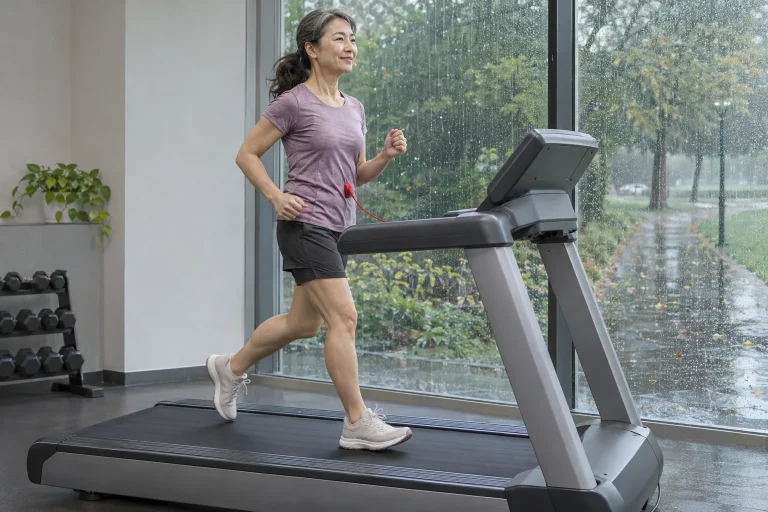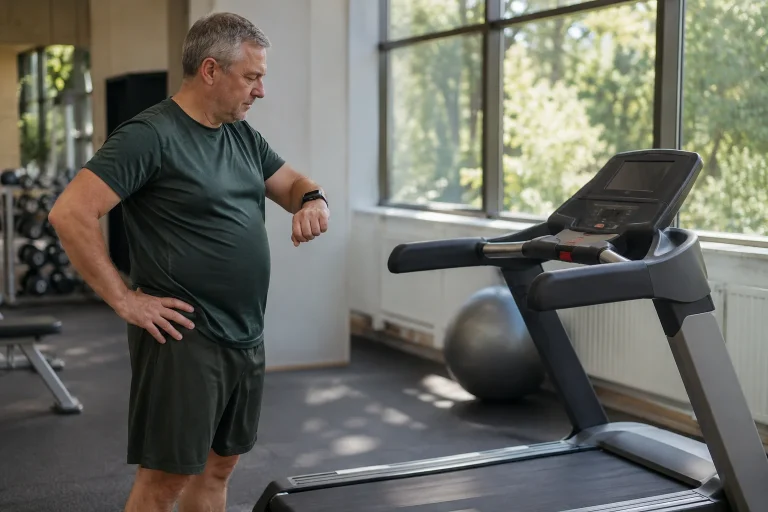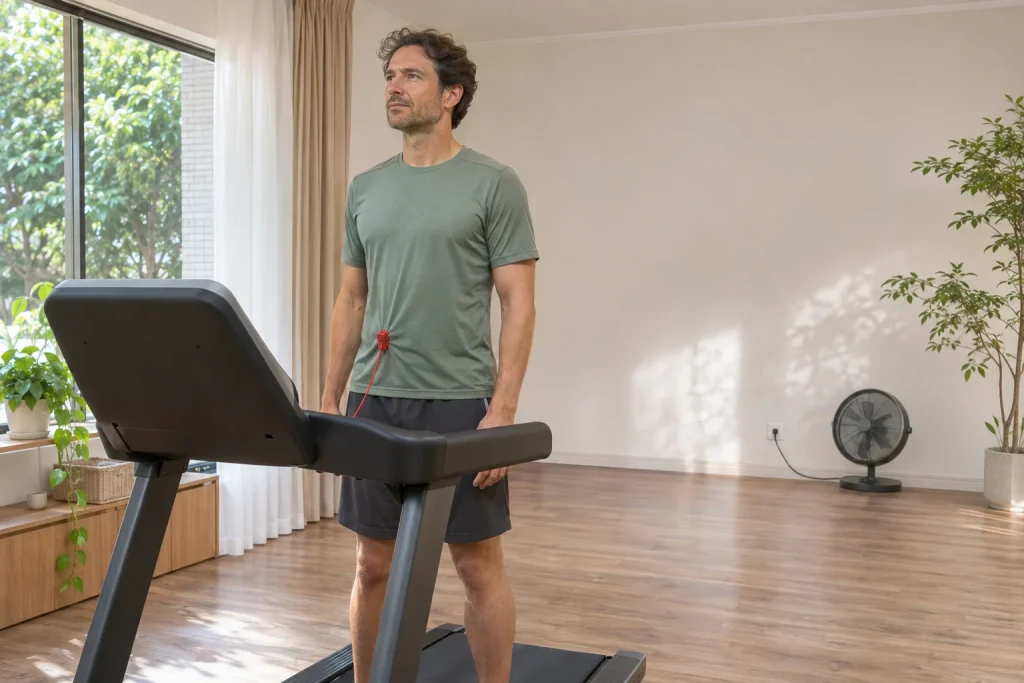
The Horizon 7.8 AT can interest home users through its large running surface, local controls and data connection for external apps. Do not begin learning it with the most impressive subscription video, however. First clarify operating space, which screen shows workout data and the connection you expect. The 7.8 model number alone does not mean direct Apple Watch or GymKit pairing.
This article uses manufacturer data for the US HTM1381-01 version checked on 21 November 2026. Our space calculations, multi-screen example and data-flow check translate features into a real home situation. We have not trained on the machine ourselves. Unit conversion and the floor-plan example are our analysis; identify the Hungarian unit, electrical version and local support separately.
Running surface, machine and room are three different dimensions
The manufacturer gives the 7.8 AT a 22 × 60-inch running surface, which our conversion makes 55.88 × 152.4 cm. The same specification lists an assembled machine of 76 × 37 × 64 inches, approximately 193.0 × 94.0 × 162.6 cm. Running surface therefore cannot reveal full room requirements. Motor housing, frame and console are physical machine parts too.
Draw the whole open machine first, rather than just the belt. Add access, operating clearance and nearby door movements. If the treadmill would stand between a desk and a wall, show separately where it can be approached and left. A spacious product photograph cannot replace your own room measurements.
Relate the wide running surface’s advantage to your own use. Specification centimetres are not a personal movement assessment or proof of comfortable running in every situation. The machine’s manual and a trial under suitable conditions provide more. Greater dimensions help when the whole machine can be positioned and operated appropriately.
Our floor-plan calculation: why does operating space exceed 1.8 square metres?
Multiplying the 76 × 37-inch external footprint in metres gives approximately 1.81 m². This is our geometry calculation from manufacturer dimensions, not required room size. Horizon’s general placement guidance mentions at least two metres clear behind, one foot in front for the cable and preferably approximately 0.6 metres of access on both sides. Follow the actual unit’s manual for installation.
Our teaching plan treats these as one enclosing rectangle: length 1.9304 + 2 + 0.3048 = 4.2352 metres, width 0.9398 + 0.6 + 0.6 = 2.1398 metres. Area is approximately 9.06 m². This is not a general rule for every room, but a simple planning example using the listed zones. Check actual clearance layout and obstacles separately.
| Our floor-plan quantity | Calculated value | What does it represent? |
|---|---|---|
| The machine’s external footprint | Approximately 1.81 m² | Only the product of the complete machine’s length and width. |
| Length with the assumed clearance zones | Approximately 4.24 m | The example adds rear and front zones to the machine. |
| Width with two side zones | Approximately 2.14 m | The example allows 0.6 m on each side. |
| The example’s enclosing rectangle | Approximately 9.06 m² | An illustrative planning framework, not independent installation certification. |
This difference shows why comparing only 1.81 with an empty corner misleads. A room can be irregular, with door swings, radiators, shelves and other uses. The enclosing rectangle knows none of this. Calculation helps reveal early that machine dimensions and usable space still need reconciling; a few numbers cannot automatically certify the room.
Folding changes storage
The product page lists folded dimensions of 42 × 37 × 71 inches, approximately 106.7 × 94.0 × 180.3 cm by our conversion. Storage makes it shorter but taller. Folded dimensions therefore answer different floor-plan and height questions from the open machine. After storage, it must return to an operating position.
In our home-planning example, a shelf or picture can be high enough above the open machine while folding movement or final height remains a separate issue. Draw the storage movement, not just its endpoints. Lift and latch under your manual; general hydraulic folding does not make every part a safe handhold.
Do not measure ceiling clearance only against the console top. The runner stands and moves on the belt, and incline can change the operating position. A quick subtraction using a standing person’s height cannot establish adequate headroom. Again consider the full programme: mounting, running, controls and storage are separate physical situations in one room.
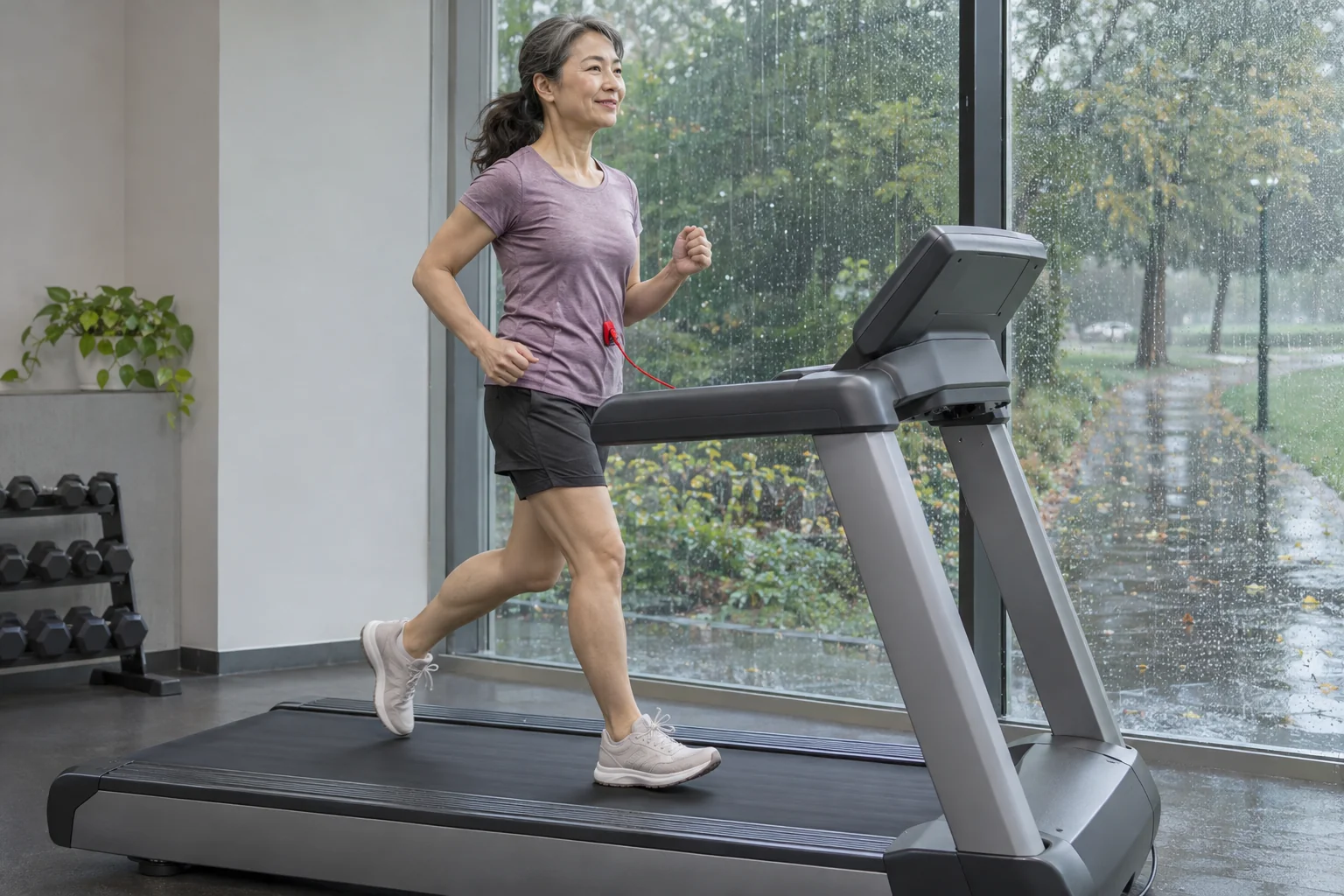 Enlarge image
The 9.3-inch colour console and your tablet have different roles
The US 7.8 AT specification names a 9.3-inch high-contrast colour TFT display and an alphanumeric LED field. It lists separate phone and tablet placement options and media controls. That is not the same as an integrated tablet running arbitrary apps. External content and the machine’s workout display can appear on different devices.
For home use, choose primary information beforehand. Following a video still requires access to readable basic machine data. Beyond a virtual moving picture, know where local speed and stopping controls are. A larger external screen is no advantage if it conceals the console or distracts from necessary local actions.
Test your layout while stationary before starting: where does the tablet fit, where does its cable run and what remains clear? A simple, consistent display arrangement is easier to manage over a longer session than competing notifications. Apps, media and workout data need not occupy every available interface simultaneously for technology to help.
An FTMS data stream is not direct GymKit
Horizon lists Bluetooth FTMS connectivity for compatible external training apps on the 7.8 AT. The same comparison table marks direct Apple Watch and Samsung Galaxy Watch connectivity for the 7.0 AT but not the 7.8, and lists no GymKit support for it. The larger model is therefore not automatically equivalent to another family member’s wrist-near-reader workflow.
Workout data can still reach an external app. The 7.8 AT-04 support page separately lists data for Kinomap, Zwift and Peloton App+, plus an intermediary atZone process for some destinations. Check actual unit, app version and desired function. Distance shown in an app, an activity saved to the cloud later and an external machine-control command are different capabilities.
Make your goal sentence explicit: “I want treadmill speed and time in my workout app” or “I want to send completed workouts to my log”. A concrete connection path can answer that. “Connect everything” can instead produce several parallel, partly unnecessary recordings. A good connection sends the data you actually want to use to the right place.
Version-dependent atZone support matters here too
The manufacturer’s atZone table separates 7.8AT-02 versions with TM758B and TM1000B prefixes from 7.8AT-04 TM1000C. It marks no atZone support for the former and support for the latter; Kinomap and Zwift appear in the listed rows. This is specific manufacturer information, not a complete list of every 7.8 AT worldwide. For a used machine, its prefix can matter more than an advertisement’s general Bluetooth wording.
If an app informs your decision, establish support for the exact version before buying. Confusing an older console with a newer product page is more than a missing decorative feature: it can change the data flow underpinning your home routine. Identification need not take long if the seller supplies actual documentation and version.
Recheck support lists at the time of use too. Apps, phone permissions and destination settings can change. When troubleshooting, retain what still works: perhaps local console recording is correct but the session failed to reach an external app. This keeps physical-machine operation separate from cloud synchronisation.
Sprint 8’s existence and individual outcomes are separate claims
The 7.8 AT specification lists built-in Sprint 8. This is a programme function presented by the manufacturer as an intensive interval option. Product-page outcome promises are not our measurements or personal body-fat-loss guarantees. Its presence does not mean every new owner must choose it or perform identical workloads.
Separate preset programmes from manual mode in your decision. Presets follow a defined logic; manual use adapts controls to your own plan. Technical machine capability cannot replace individual intensity planning. If a sports product’s outcome promise matters, examine study conditions behind it rather than merely repeating a percentage.
A factory programme name alone does not settle a longer indoor run either. Aim, screen management, available time and environment together form the session. A machine helps when it supports a programme you understand, rather than when you display its most intensive option every time. This technical article describes available functions rather than issuing workload commands.
 Enlarge image
Prepare the environment for longer use too
Horizon’s general placement guide specifies an indoor, controlled environment, rather than outdoor or garage use. Organise home running as more than a storage corner. Ventilation, accessible belongings and unobstructed access are everyday usability features. Extra equipment placed in clearance space can easily obstruct access around the machine.
In our preparation example, necessary fluid and towel go in appropriate holders before starting, while an external fan and cable stay outside clearance zones. This illustrates layout, not a prescribed drinking amount or cooling output for everyone. Personal needs and room conditions differ. The aim is to avoid reaching for unfamiliar objects or improvising the surroundings during a session.
Use the safety key and stopping procedure according to the actual machine manual. Continuing a virtual route does not outrank local control: if the session needs changing or stopping, an app lap goal is secondary. Incomplete data or a stopped session can be labelled clearly later. Good technology does not require every screen to run uninterrupted.
External-app costs and saving arrangements
Horizon says basic machine operation needs no compulsory Horizon subscription, but a selected external app may charge separately. Tablet or phone, app package and local machine version are separate decision rows. An overseas promotional machine price cannot establish full Hungarian usage costs. Regional servicing, electrical version and actual accessories belong to the unit you intend to buy.
For a saving test, choose one destination and find the completed workout there first. If several apps forward to it, watch for duplicates. The machine summary, independent indoor watch recording and intermediary cloud data need not be the same file. Avoid routine deletion until you identify origin and the copy to keep.
Understanding the 7.8 AT thus concerns the entire home running setup: adequate space, clear local operation, a specific app workflow and an orderly log. Its large running surface and colour console are tangible specifications; watch connectivity is a separate capability to check. Interpreted together in your situation, functions become real decision criteria rather than a long product-page list.
Sources and floor-plan calculation
Checked: 21 November 2026. Dimension conversions and the 9.06 m² enclosing example are our calculations using US manufacturer dimensions and general placement guidance. They are not an on-site installation inspection or an independent treadmill product test.
- Horizon Fitness: 7.8 AT, US HTM1381-01 specification
- Horizon: Where To Put Your Treadmill – clearance and environment
- Horizon: How Does the 7.8 AT-04 Connect to Apps?
- Horizon: treadmill app data connections
- Horizon: AtZone App – versions and serial-number prefixes
- Horizon Connected Tech – external devices and subscriptions
How Futószív articles are prepared: our editorial guidelines.