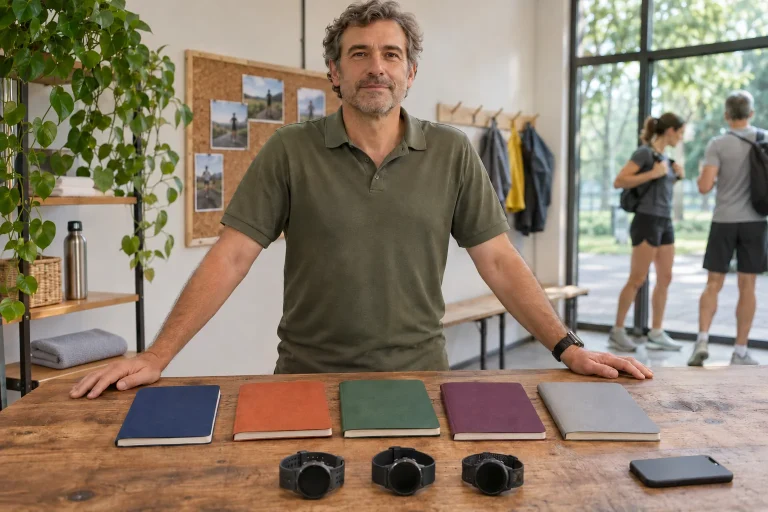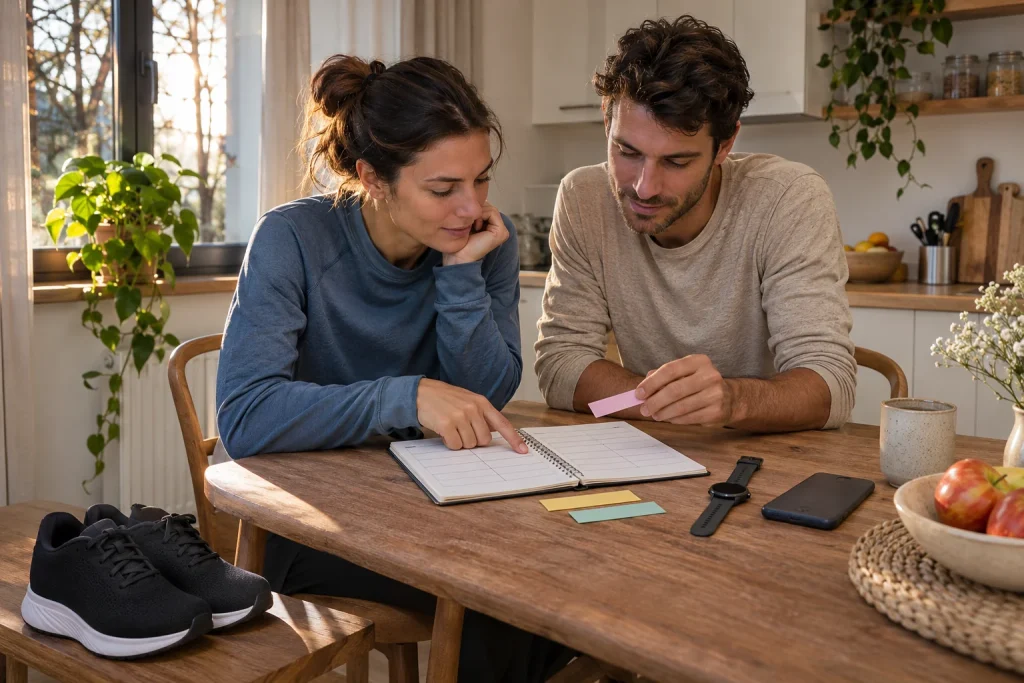
Runna organises preparation around a running plan: you enter your goal and history, then follow workouts on your phone and through a supported watch connection. The truly useful question is whether a programme appropriate for you reaches your wrist, whether the completed run returns to the plan and how you make changes when life intervenes.
“Watch compatible” can mean several things in this system. Sending workout instructions, importing completed activities, audio guidance and route maps are separate functions. This guide uses primary Runna sources checked on 21 November 2026, with our own examples; it is neither a hands-on test nor an individual coaching assessment.
1. Your current running history is the plan’s starting point
The Runna information on building a plan uses ability level, current weekly volume, longest run and recent results as starting inputs for distance and race plans. Weekly distance and long-run details can be refined under Training Preferences. You can also decide whether to accept later pace-adjustment suggestions. Personalisation here is based on supplied data and the system’s training-planning rules.
When answering the initial questions, therefore, describe a sustainable recent week. If you once ran a long distance months ago, but recent weeks have involved a very different frequency, that old memory does not describe your current routine well. Separate “I have done it before” from “I regularly do it now”. These are different information for the app even though both concern running achievements.
A useful preparation note of your own has four lines: goal, recent outings, actual weekly time windows and known interruptions ahead. A November business trip, for example, may already be known when you start the plan. If you notice it only after missed runs appear in the calendar, it becomes harder to understand why the schedule grew difficult to maintain. Good input does not prove motivation; it describes the week into which real tasks can fit.
2. Test the whole workflow before choosing a package
The Runna subscription support typically describes a seven-day trial, which a partner or referral code may extend. To avoid an unwanted charge, cancel at least twenty-four hours before the trial ends; check status in your profile’s Subscription section and on the billing platform. Without a subscription or trial, recording free runs, importing activities and viewing completed workouts may remain available, but full plan creation and following do not.
An important 2026 change is that New to Running, Return to Running and Path to parkrun plans moved into the Runna subscription from 5 June. According to the announcement, a cycle already started beforehand can be completed. A recommendation from years ago for a “free beginner programme” must therefore not automatically be read as unlimited access today. What matters is the entitlement shown in your own account and the purchase screen’s conditions.
A meaningful trial is not accelerated race preparation. Create a plan, connect your own watch, find its next workout and, after an outing appropriate for you, review the returned data. Check where the renewal date appears too. This bases your decision on the complete workflow rather than an attractive calendar image or trial length alone.
3. The Strava bundle is not the same as a Strava account
According to the joint subscription guide, ordinary Strava Premium alone does not include Runna Premium; the combined Strava + Runna bundle is a separate offer. The joint subscription is annual and purchased through Strava. A separate Runna-only subscription path also exists, so you need not necessarily pay for both premium services. Connecting the apps and buying the bundle are different operations.
When switching, also check which platform bills an existing subscription. Runna’s guide discusses the end of a separate existing subscription and the correct account connection; Family Plan and discounts do not automatically combine with the bundle. We do not promise Hungarian savings by converting a US price: compare the full annual and monthly costs shown in your currency and account.
On your own cost-check sheet, give payment provider, renewal date, available package and used function separate lines. If you only want a training plan, premium route planning on the social platform may be incidental. If you regularly use both, the bundle may offer more value. Match the decision to actual tasks and account for time already subscribed, so overlapping costs do not go unnoticed.
 Enlarge image
4. Garmin: Connect is the stop between the plan and watch
Runna’s own Garmin connection guide shows planned workouts travelling Runna → Garmin Connect → watch, with completed activity returning in the opposite direction. With Premium, the next two full weeks of workouts sync each Monday; during a trial, the trial week’s workouts sync. A programme visible in Connect may still await Bluetooth sync, so check the phone’s collection and watch state separately.
When starting your run, select the transferred workout if you want to follow its steps. Recording a free run does not necessarily link automatically to the relevant plan entry. Garmin’s own alerts and Runna’s audio coaching are different too: Runna does not transfer its own audio instructions to the watch. The provider’s guide describes starting the phone alongside it for that purpose, but this can produce differing pace data and duplicate recordings.
As a practical check, open tomorrow’s workout first in Runna, then in Connect, then on the watch. The same name, date and interval sequence should appear in all three places. If the first two are correct but the third shows an old workout, resolve the intermediate watch–phone connection. Recreating the plan would introduce more changes than needed to solve the fault.
5. COROS and Suunto: the roles of the calendar and Guide
The COROS guide describes using Sync with your watch from the COROS app’s Training Calendar after connecting. With Premium, the next two weeks’ workouts that have neither been completed nor skipped transfer. After running, the recording can return to Runna and link to the planned workout. For sync faults, support explicitly warns against uninstalling the COROS app because of possible data loss.
In the Suunto connection, workouts appear as scheduled SuuntoPlus Guides. Runna asks you to reschedule in its own app: changes made in the Suunto calendar do not automatically return to Runna. Outdoor and treadmill displays also differ; the latter does not show target pace on the Guide. Check model compatibility separately; a brand name does not guarantee identical integration on every old and new watch.
Automatic laps can also disrupt interval evaluation. COROS support recommends turning off auto lap and auto pause for structured Runna workouts: the former can split a longer work interval, while the latter can stop the countdown during slow recovery. Other settings may suit a simple free run. Note what you choose for each workout type so the next outing does not accidentally inherit the previous programme’s settings.
6. Apple Watch: a separate Runna app and native Workout connection
On Apple Watch, Runna’s own support distinguishes two recording paths: the Runna watch app and WorkoutKit workouts sent to native Apple Workout. Runna’s own audio coaching cues are available in the former, not through native Workout. The choice is therefore more than swapping icons. For Runna audio guidance, choose the appropriate app at the start.
The current Hungarian App Store listing gives iOS 17 and watchOS 10 as minimums. Runna’s Apple support, however, specifies watchOS 10.6.2 for its own watch app and separately warns about older watches’ native Workout integration limitations after system updates. These sources differ, so we do not promise reliable operation on a borderline device from the lower number. Confirm your phone–watch–recording-path combination with support.
Runna’s described watch sync updates the following two weeks of Premium workouts on Sundays; a trial’s first week is a separate limitation. The starting device also determines the audio path: for a workout started on the watch, check headphones connected to the watch; for a phone start, check those connected to the phone. Do not immediately change the training plan because an alert is quiet or absent; first establish where recording started and where the headphones connect.
7. Route following and Amazfit: a brand list alone is insufficient
The Follow a Route guide describes Runna’s iPhone/Apple Watch path, including adding GPX to the phone workout. It does not generally promise map following on Android, Garmin, COROS or Suunto. On Apple Watch, the guide asks you to start from the Runna watch app rather than phone mirroring, and recommends a stable connection for the first load. Investigate another watch’s own navigation separately alongside Runna intervals.
The Amazfit connection support distinguishes transferring workouts into Zepp from importing them to a particular watch. The current guide lists narrower model-level support than the general phrase “connects to Zepp” might suggest. Before buying, check both the structured workout sent from Runna and the completed activity’s return path for the exact watch. Successful account authorisation does not prove both.
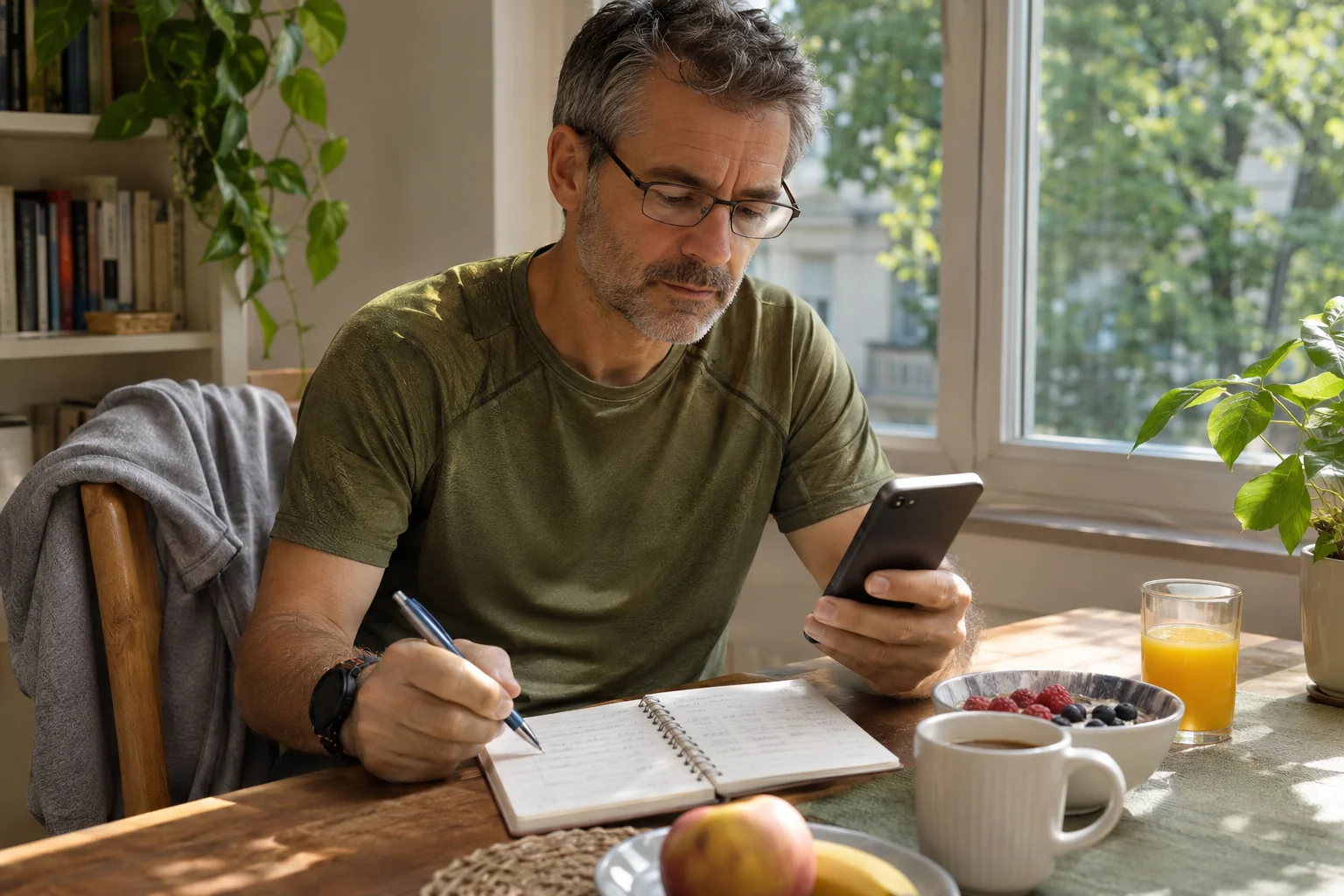
Our usage example: your watch clearly shows instructions for the next four-hundred-metre interval, but there is no route map at a junction. This is not necessarily a sync fault. Interval guidance says how long a task lasts; navigation says where to go. Check these capabilities separately before entering unfamiliar terrain, rather than discovering mid-run where a safe route continues after a completed repeat.
 Enlarge image
8. One missed workout differs from several missed weeks
The Plan Realignment feature offers rescheduling or marking a single missed workout as skipped, and plan-adjustment options for several missed workouts. After a multiweek break, depending on plan type, an extension or rebuilding towards the original goal date may appear. These are app operations, not automatic decisions about fitness to run. Empty calendar entries do not imply cramming missed outings together.
Our scheduling example shows the difference. If you could not run on Wednesday but already have another longer programme on Sunday, adding Wednesday’s workout is more than correcting a date: it changes the weekend’s whole time budget. First examine adjacent days and other commitments. Tidying a digital plan succeeds when it shows a period you can actually complete, rather than making every old box tickable.
The Not Feeling 100% option can be requested as a separate status under Plan, then Manage Plan; support notes that the current plan phase can limit certain changes. Recording how you feel is useful input, but do not interpret a suggested adjustment as personal medical clearance after illness or injury. Missing a workout may be the right decision even if the goal date stays unchanged.
9. Returned activity: what should you check?
For a completed run, first check whether it linked to the correct planned outing. Then review time, distance, interval order and unusual details. Starting two devices can create two recordings. The record arriving in the log and the plan’s completed status are separate checkpoints; a transfer delay of a few minutes does not prove that the activity was lost.
If workouts disappear between phone and watch, the Runna Apple Watch troubleshooting guide specifically asks you to check both phone and watch app versions. The two updates may not finish together. For a useful support ticket, keep model, system and app versions, workout date and the step where the process stalled. Do not copy passwords or complete health-data exports into public requests for help.
You can make a sound decision about Runna when a plan fitting your goal, your chosen watch execution and subscription arrangements work together. Check this relationship during the trial. In later weeks, edit the plan where its source resides and add brief personal notes to your running history. Automation then takes specific organising work off your hands while keeping clear why the system shows what it does.
Sources
- Runna – initial plan inputs
- Runna – subscriptions, trials and free access
- Runna – 2026 change to beginner and returning plans
- Runna – Strava bundle and separate subscription
- Runna – Garmin integration
- Runna – COROS integration
- Runna – Suunto Guides
- Runna – Apple Watch and WorkoutKit
- Runna – Follow a Route
- Runna – Amazfit and Zepp support
- Runna – plan realignment after missed workouts
- Runna – Not Feeling 100%
- Runna – current Hungarian App Store listing
- Runna – Apple Watch troubleshooting
How Futószív articles are prepared: our editorial guidelines.