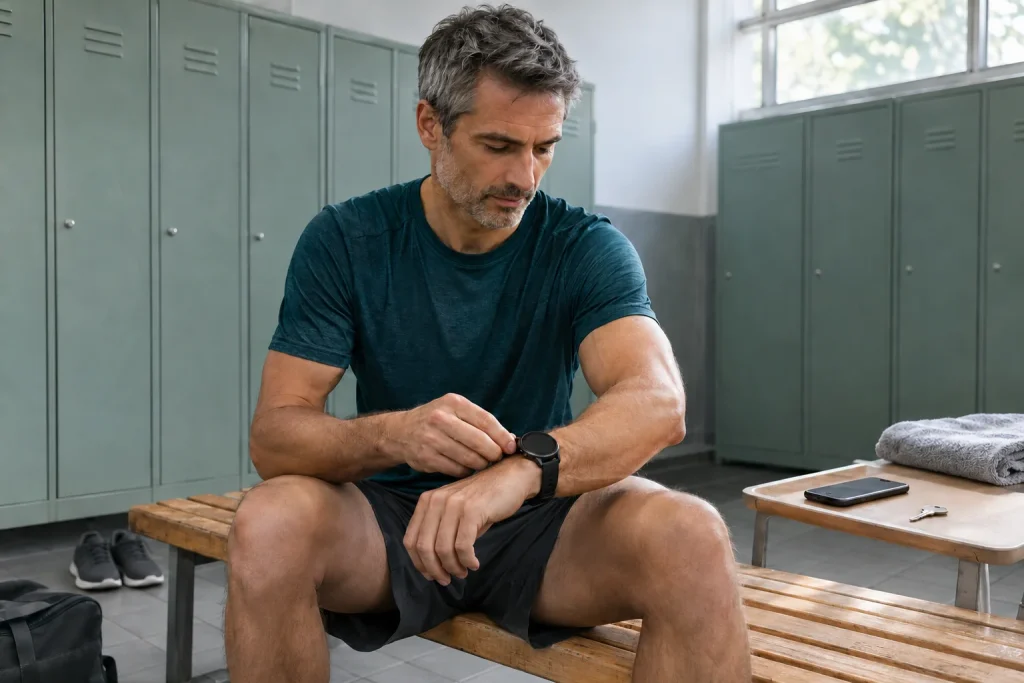
For runners, Samsung Health can plan the next workout, collect routes and log completed runs. Confusion between these tasks is easy: a route saved in Strava may not yet be selectable on the watch, while Coach’s phone requirement does not replace a watch model’s stricter pairing conditions.
After the 2026 updates, review settings with a simple goal: see the correct workout and route before starting, and know where to find the recording afterwards. This guide uses primary information available on 21 November 2026 and our own illustrative examples; it is not a hands-on device test.
1. Find the phone minimum for the specific task
The Samsung October global update announcement lists Android 10 or later, Samsung Health 6.30.2 or later and a Samsung account for Running Coach. It describes the service with Galaxy Watch8 or later Galaxy Watch series. Rollout from October may vary by model and market. These are Coach service conditions, rather than complete phone compatibility for 2026 watches.
The global Watch9 and Watch Ultra2 specifications instead require Android 13 or later, more than 1.5 GB of memory and a Google Mobile Services-supported phone for activation. An Android 11 phone may meet Coach’s general published number yet be unsuitable for these watches. The statements concern different levels; meet the stricter specific requirement.
Read Galaxy-phone promises separately too. The Samsung US ecosystem guide ties several health and AI experiences, including Coach, to Galaxy compatibility, while the global update names an Android phone. For another manufacturer’s phone, confirm specific country and model support; do not turn a US marketing page into a guarantee for every Hungarian Android.
2. What do twelve Coach levels mean?
The update expands Running Coach from ten to twelve levels. Plans can still be based on a twelve-minute running assessment or previous run data. This is the classification method described by the manufacturer: it supports app training plans, rather than serving as a health examination. More levels are not themselves a goal requiring a new assessment at all costs.
A classification’s meaning appears in a feasible programme for subsequent weeks. Write your own goal in everyday words too: ‘getting to the track regularly around work’ or ‘pacing my first ten kilometres more calmly’. This helps judge whether the offered plan solves your important problem rather than simply supplying another performance badge.
If classification uses prior data, consider the log’s contents. A month of only easy runs or interrupted GPS recordings differs from an organised history of varied training. This is no reason to artificially improve the record. Note missing data instead and inspect what the app proposes from actually available information.
3. Fit the plan to available days
Coach’s task does not end with creating a plan. Usefulness depends on whether the next session appears where you intend to start it and fits today’s time. If phone and watch show different dates, clarify that first. Missed sessions because of work, travel to the venue and track opening hours are information you add to the digital plan.
Our scheduling example: on Tuesday, you have 50 minutes from leaving home to returning. Travel totals 12 minutes, leaving 38 at the venue. If the phone shows a 45-minute task, more accurate GPS cannot solve it. Find another occasion or modify the plan as the app permits. This is matching the calendar to reality, rather than prescribing training.
Before the next run, check date, the task’s full time frame and where it starts. Avoid rearranging the week on the phone during running. At home, briefly describe how actual activity differed from intention. ‘I reached the track late’ differs from ‘I ran out of energy during the task’; that distinction matters in evaluation.
 Enlarge image
4. Strava Routes: add it to the phone library first
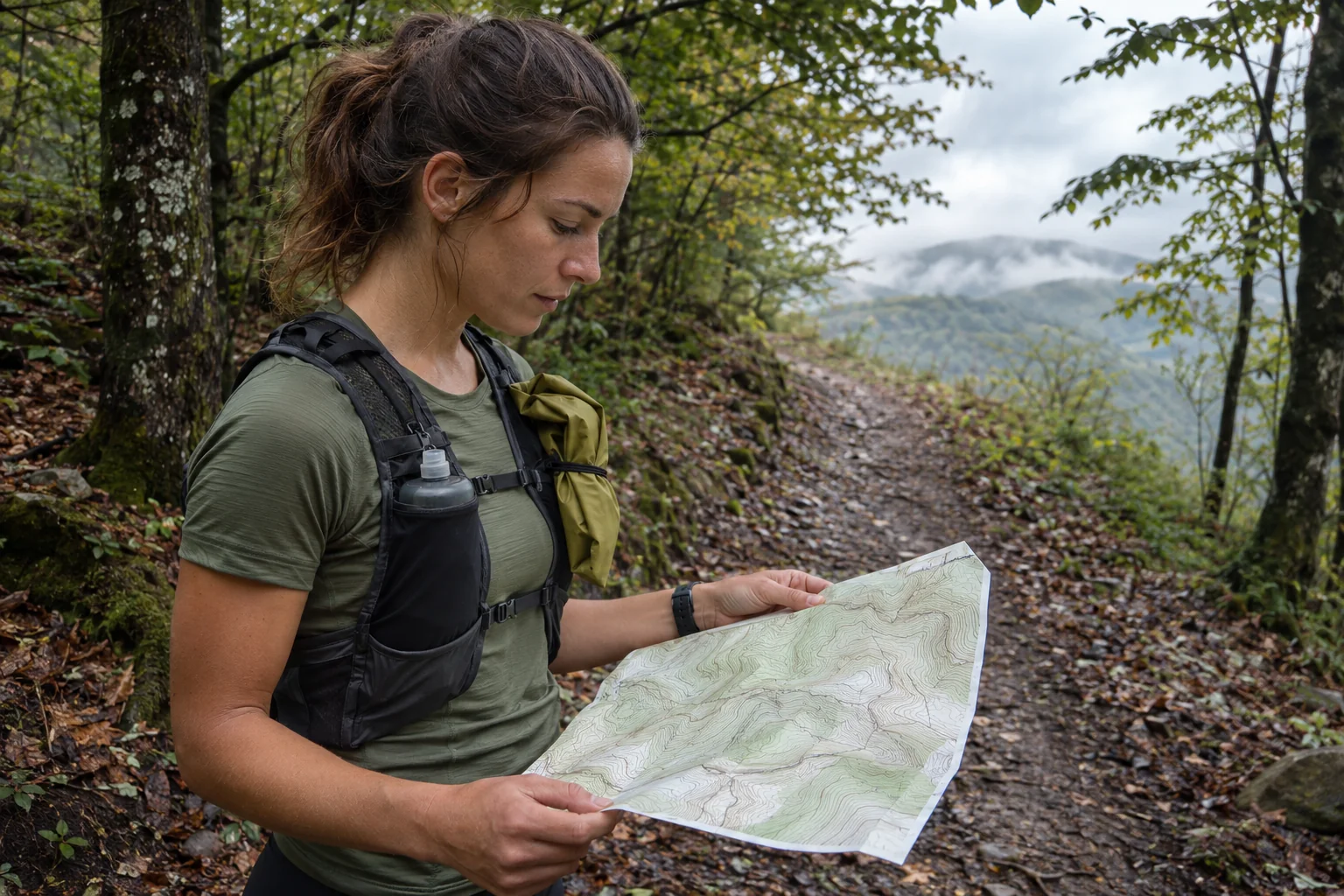
According to Strava’s own 15 October guide, Samsung Health 7.1 or later is needed on the phone and also the watch when following routes there. You need a saved Strava route and linked accounts. Under the relevant Samsung Health sport, open Routes, then the plus sign to find Saved routes from Strava; add the selected route to your collection.
Adding is an important separate step. New Strava routes do not automatically enter the Samsung library. For watch following, they must first appear in the phone’s Samsung Health app. Strava lists running, cycling, walking and hiking and notes that routes belong to a sport. Opening the wrong sport may simply show another list while the connection works.
Give routes recognisable names, such as ‘Friday — riverside — short return’. The decision behind the name matters more than an attractive map loop. Check starting point, turnaround options and whether the line uses the correct riverbank. Successful saving establishes data transfer; assess passability and closures separately.
5. Modified routes and older GPX guidance are different situations
Strava says edited routes need resyncing and appear as new routes. Deleting one from Samsung Health does not delete it from Strava. If the list is empty, check account linking and saved routes. An added route can be selected under Route target within workout targets. These are important operating details in the updated Routes FAQ.
The separate Samsung GPX support page also contains a note limiting file-imported routes to Watch5 Pro and Watch Ultra models. This differs from the 2026 Strava Routes description. It establishes neither universal GPX support on every current watch nor that the new Routes service is limited to those two older-listed devices. Check the current function for your route and watch.
In our naming example, stairs close on the ‘riverside 8 km’ route, so you draw another access point. Name the new version ‘riverside — eastern access’, then find it on phone and watch. Watching only the apparently identical original name can launch the old line. Inspect the new copy before deleting the old, making version control more than a memory task.
6. A route to follow and a recorded run are separate data
The planned line shows where you intend to go; the recording shows what the system captured. Differences may reflect deliberate detours, getting lost or positioning problems. Read map differences with the run’s story: perhaps you bypassed works or the trace began jumping beneath a bridge.
The Samsung GPS settings guide describes checking location and app permissions on the watch, with model-dependent steps. Signal quality and software state can affect results. A visible map does not prove uniform recording quality throughout. Compare a suspicious section with a known landmark such as a bridge or underpass.
A loop planned as 6.0 kilometres but displayed as 6.2 differs by 200 metres, approximately 3.3 per cent of planned length. This is our numerical example, rather than a stated device error margin. Before interpreting it as better or worse fitness, inspect detours and the trace. Different route lengths also affect average-pace comparison, so circumstances belong beside final numbers.
7. Why might a treadmill workout be missing from Strava?
The current Strava Samsung Health support guide describes two-way activity syncing on Android, but does not support this account connection on iOS. Samsung Health activities containing GPS transfer automatically to Strava. A non-GPS workout can produce a shared statistical image and Strava post, but that differs from automatic transfer of a complete workout record.
This suggests simple troubleshooting. If an outdoor run arrives but a treadmill session does not, inspect the data-type difference before pairing. If neither appears in the destination account, check Strava permission under Samsung Health Services and the selected account. If the phone’s Health log already lacks the workout, the problem precedes Strava route import.
The July Strava–Samsung partnership announcement described a sixty-day Strava trial and preinstallation associated with Watch9 and Watch Ultra2 purchases. This does not establish that every route-planning function stays free later. Check your current package, trial eligibility and post-trial terms within your account. Preinstallation, account linking and subscription are three separate states.
 Enlarge image
8. Sleep summaries, Energy Score and your own wellbeing
The October Samsung update specifies three days of sleep data within the preceding fourteen for starting sleep coaching, a lower entry threshold than the previous seven nights. The announcement treats Energy Score as personal information, rather than a medical result. Running plans and sleep summaries may help interpret the day together, but neither fully sees everyday life.
Three observations can suffice in a morning note: how you feel you slept, unusual demands ahead and symptoms prompting a plan change. This is not a scoring test and need not become another total. If the app shows an orderly night but you repeatedly woke for a child, preserve that difference in the log. It helps interpret an estimate.
A heart-rate trace is not an ECG. The Hungarian Samsung Health Monitor page gives separate compatibility, country and use conditions for ECG and blood-pressure features. These do not automatically become available because Running Coach works. Treat a running-app classification and regulated health-function result separately; neither grants you medical clearance.
9. Saving your log and a useful starting trial
The Samsung data-download guide describes a separate Download personal data action in Health settings, with files then found in phone downloads. Erase personal data is different: the manufacturer warns of permanent deletion. Before changing phones or moving logs, check downloading and opening files first, rather than starting with deletion.
Instead of beginning on an unfamiliar route, try a short functional check somewhere well known. Inspect the route name added to the phone, find it under the appropriate watch sport and compare the phone recording with the external log afterwards. Hard training is unnecessary; the aim is understanding the data path and controls. Keep location safety in mind while checking screens too.
In a well-configured Samsung Health setup, your intended task and selected route are clear at the start. Afterwards, you know which data represent measurement, algorithmic interpretation and social sharing. Twelve Coach levels, the new Routes connection and sleep overview can then be arranged around your goals without enabling every new feature simultaneously.
Sources
- Samsung Health — October update and conditions
- Galaxy Watch9 and Ultra2 — global compatibility
- Samsung — Galaxy ecosystem and regional features
- Strava — transferring Routes to Samsung Health
- Samsung — separate GPX import guide
- Strava — Samsung Health activity syncing
- Samsung — GPS and location permissions
- Samsung Health Monitor — Hungarian information
- Samsung Health — downloading personal data
- Strava and Samsung — partnership and trial
How Futószív articles are prepared: our editorial guidelines.