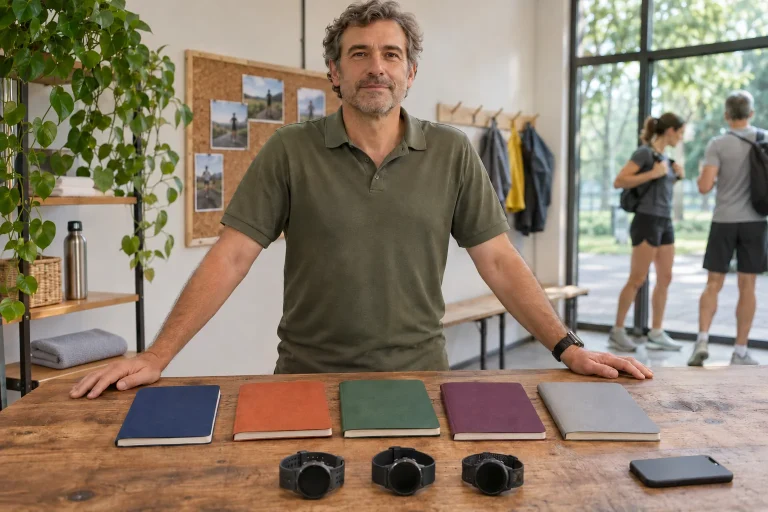
The same six kilometres can become several memories: a quiet entry in your own log, a photograph with a running companion or encouragement from afar heard while still moving. adidas Running connects these roles in one app. Assess its value through your own social circle and recording habits: who uses it, what measures your run and what do you want to show?
This guide uses official descriptions checked on 21 November 2026, rather than our own device test. It focuses on live encouragement, the selfie documented for iPhone and the journey of a watch-recorded workout. Memories of Runtastic Premium also need explanation: an old subscription guide can now mislead choices.
First decide where the original run will live
adidas Running can serve as a phone GPS log or social collection point for workouts measured elsewhere. The current manufacturer introduction lists GPS recording, audio coaching, statistics, challenges and plans. Personalised support is linked to an initial assessment and runner feedback. These features appear on the official adidas app page; participating socially does not require executing every session as a plan.
With phone recording, the app creates the activity. With watch recording, the original file exists first in the watch manufacturer’s system and a partner connection forwards it. Choose one primary recorder. Starting both phone and watch for the same run may produce slightly different routes and times, not two workouts. Check the original entry’s time and distance after saving, then identify which copy reaches the social log. A sync problem then need not leave you guessing where the complete record is.
Live encouragement belongs to the present
The publisher’s Australian App Store description explicitly mentions Live Cheers: encouragement from friends during exercise, plus following and liking activities. Apple’s editorial iPhone introduction likewise describes followers encouraging you on the activity screen. Recent Hungarian and US descriptions discuss community more generally, so they do not establish identical switches and menu paths in every version. Look for the function using the publisher’s detailed app description, then verify it in your installed version.
A live connection has different requirements from a later like. The runner must be recording an appropriately shared activity, the follower must see it and the signal must reach the phone over a data connection. Permissions, volume, audio output and background operation therefore belong to use. Later importing a finished watch workout does not retrospectively create a live session. Encouragement is a social signal; clarify its attention, connection and recording requirements before starting.
A short prearranged test between friends can prevent frustration. One starts a walking or running activity that is easy to stop, the other checks the follower view and sends one signal. While stationary, check where it arrived. If an option is missing, compare app versions and account visibility first rather than restarting an entire workout. Do not first attempt this in the final minute before a crowded race start.
Let the selfie mark the finish, rather than become another performance task
Apple’s official iPhone introduction specifically describes the activity screen’s camera shortcut and post-run selfie. This is an iPhone action presented by Apple; it does not prove Android offers the same location or editor. Taking a photograph, attaching it to an activity and sending it elsewhere are separate steps. None automatically means every follower sees it or every statistic appears on it.
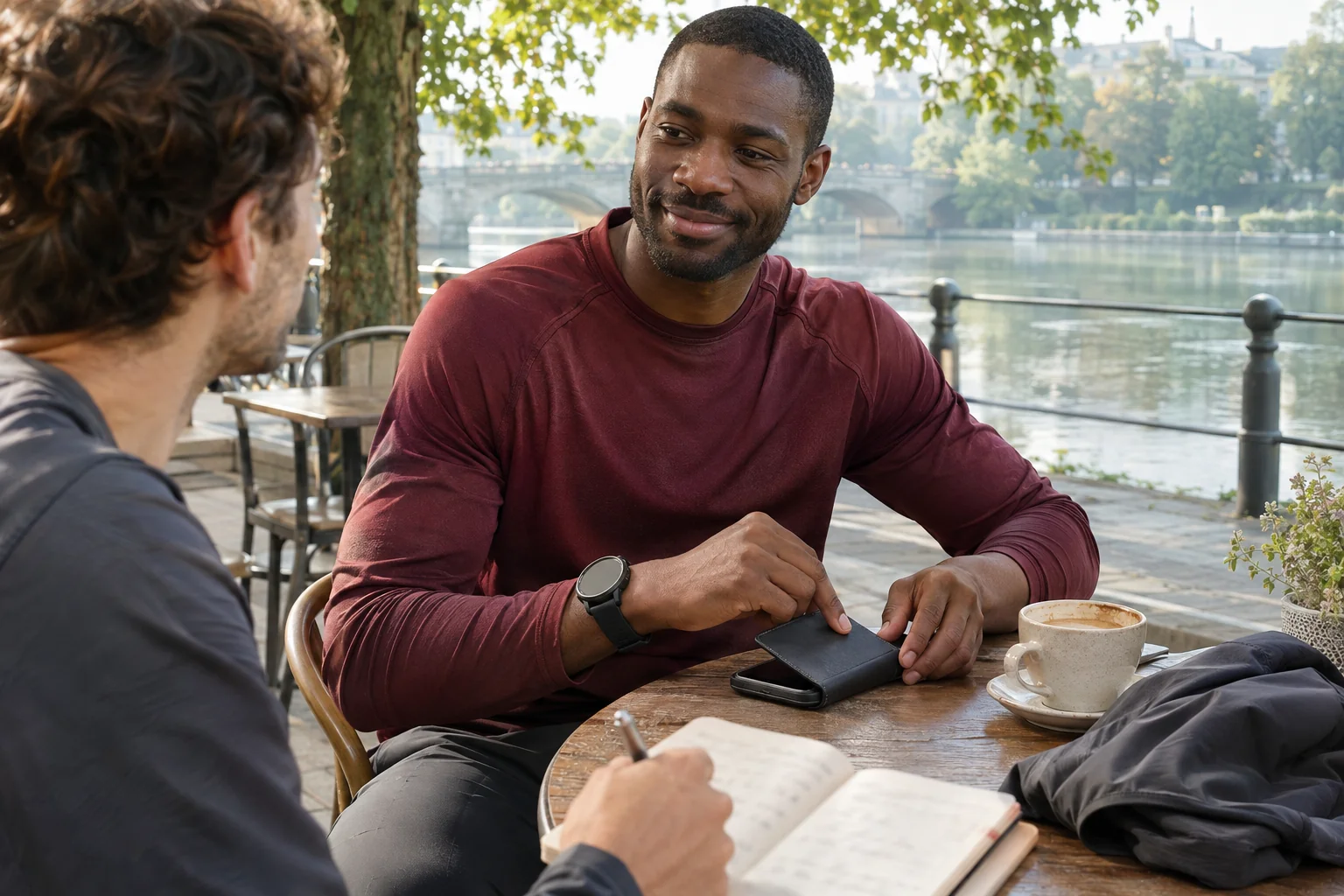
A shared memory often needs only faces and a recognisable detail that does not reveal a personal address. Save the run first, move aside and ask whether your companion agrees to both photograph and publication. Agreement to a photograph need not mean agreement to a public post. If someone prefers not to appear, photograph shoes, scenery or coffee instead. The shared experience remains concrete, and a portrait does not become an entry requirement.
Before sharing, inspect the actual preview: photograph, map, numbers, visible names and location tags together form the post. A screenshot may also include the upper notification bar. If you want a simple photograph, do not start from a screen packed with data. A short sentence may suffice: ‘We ran together on the embankment today and waited for each other after the second loop.’ That says more about the day than every metric at once.
 Enlarge image
Challenges, virtual races and training plans serve different purposes
A shared challenge can define a time window and completion goal, while a virtual race ties participation to an event. A training plan instead arranges connected sessions. Current app descriptions mention challenges, virtual races, badges and several running plans. In adidas’s own list, these appear alongside one another, so inspect each initiative’s rules before joining.
Imagine a month with twelve runs in your plan while friends start collecting shared distance. These can complement each other if already planned sessions count. It differs when twenty kilometres remain on the leaderboard’s last day: an app’s finish line does not automatically change your monthly load. Organisers should state the social agreement alongside completion rules: everyone participates within their own plan, with no community penalty for missing out.
Check which sports, saving times and recording methods count towards the goal. Treatment of manually entered, late-imported or differently time-zoned activities depends on the actual rules. Leave a buffer before a community deadline rather than wait for every watch to sync at the last minute. Plan celebration when people can connect in person or through a brief message too.
Garmin and COROS: data direction belongs to compatibility
adidas’s Garmin support page describes importing activities recorded on a watch and synced to Garmin Connect into the adidas account. Transferred data include distance, duration, pace, splits, elevation, calories and heart rate; the same page lists heart-rate zones, power and cadence among unsynced data. The specific Garmin connection is therefore not a complete copy of Connect, and linking a partner account differs from using the watch directly as a phone sensor.
COROS support also gives a clear order: the watch session reaches the COROS app first, then the linked adidas Running account. The documented setup begins under Settings, 3rd Party Apps, Data Sync in the COROS profile. On iPhone, the manufacturer specifically mentions Safari as the default browser for successful authorisation. This is the official COROS connection guide, not a general promise to send adidas plans back in the opposite direction.
Check transfer with a new short activity. Note start time, distance and duration, then inspect both logs. If the run arrives without a separate chart, check supported fields first. A wrong account, stalled watch sync and a deliberately untransferred metric are three different problems. Record the issue briefly before reauthorising; rushed disconnecting and reconnecting obscures which step helped.
Polar, Suunto and a route through several apps
Polar’s own connection introduction, updated in 2020, describes one-way recording with a compatible Polar product, Flow sync and automatic forwarding to adidas Running. Its age makes adopting every old interface detail as a current menu path unwise, but Polar’s original explanation clearly distinguishes data direction from sending plans back. Suunto’s current developer introduction explicitly lists adidas Running in its partner network; this is a connection confirmed by Suunto, not a promise to migrate every past item automatically.
With intermediaries, draw a simple path: watch → manufacturer’s log → adidas Running. If also enabling transfer through a phone health-data collector, first check whether the same activity arrives by two routes. Clear origin helps more than increasing connections. Keep the manufacturer’s log for detailed analysis and adidas entries for friends; every metric need not have an identical view in both.
What changed from the old Premium?
The Hungarian App Store page in November 2026 lists adidas Running as free. The current description includes personalised plans rather than starting from the old basic–Premium division. Prefer this current Hungarian app page to a 2018 review of a paid package. Retaining older customer reviews in a store does not establish that the same subscription can still be bought.
A concrete official example comes from adidas’s Indian adiClub terms: they describe the app becoming free from 1 November 2025, previously Premium content available without subscription and removal of the Premium membership-tier benefit. These are terms for the Indian region, not a contractual explanation applicable to every Hungarian account. The practical conclusion is clear: do not recommend functions as a paid Premium plan today without checking. Read any actual offer’s package name, price and content in your region; data usage and connected-device costs remain separate.
 Enlarge image
Between Android and iPhone, check the feature rather than remembering its icon
The publisher’s current Google Play page lists Wear OS tiles on Android, one for previous statistics and another for quick activity starts. That does not make an arbitrary sports watch a Wear OS device. The official Android description concerns that platform, while Apple’s camera-shortcut introduction concerns iPhone. They cannot be combined into an imaginary identical interface for every phone.
Before changing phones, write three tasks: starting a workout, taking a post-run photograph and finding your friend. Test them separately on the new phone. Account login, location permission and camera access are different issues; identify the failed link rather than condemning the whole service. For audio, check whether output goes to the phone, earphones or a connected car speaker. Accidental routing is easier to notice before leaving.
Sharing habits you will still want to keep
Make three decisions: who sees movement live, who sees the saved activity and where images of you or companions go. Audiences need not match. A public race report and an evening loop starting at home may expose different location information. Review the map with the complete entry; a seemingly harmless start point repeated over time can reveal personal habits.
A useful first week could test cheers with one follower, trace a watch workout through both logs and share one picture whose contents everyone accepts. These reveal social and technical aspects together. For broader app choices, the overview of twenty running apps, and for data routes, the guide to manufacturer logs and platform connections, offer wider comparisons. Good setup ultimately makes recording predictable while connection stays freely chosen.
Sources
- Publisher’s iPhone app description
- Apple: activity screen and selfie
- adidas: Running app
- Hungarian App Store
- Indian adiClub terms
- COROS: adidas connection
- adidas: Garmin Connect import
- Polar: Flow and adidas Running
- Suunto: partner network
- Google Play: Android app
How Futószív articles are prepared: our editorial guidelines.