The Suunto Race 2 combines a large AMOLED display, offline maps and tools for structured training. Beside the similar Vertical 2, the choice concerns priorities in use more than a simple ranking of the ‘better watch’. Using manufacturer documentation checked on 21 November 2026, we approach it through the tasks of a varied running week: track work, sensors, routes and later review.
76 and 65 grams refer to two different versions
The Race 2 All Black measures 49 × 49 × 12.5 millimetres, weighs 76 grams and has a stainless-steel bezel; the Titanium Black has the same dimensions, weighs 65 grams and uses a titanium bezel. Both list sapphire glass and a glass-fibre-reinforced polyamide case on the standard and titanium version specifications. Titanium in the name does not mean an entirely titanium case. The 1.5-inch LTPO AMOLED display with 466 × 466 pixels is another important physical aspect of the choice.
You can judge display size well when you know what you want to read. On the track, lap time and interval status may suffice; on trails, the next direction and your position matter more. More fields also increase reading time. A large surface does not oblige you to use a dense data page. Choose a simple view readable while running, and place information you would inspect only when stopped on a separate screen.
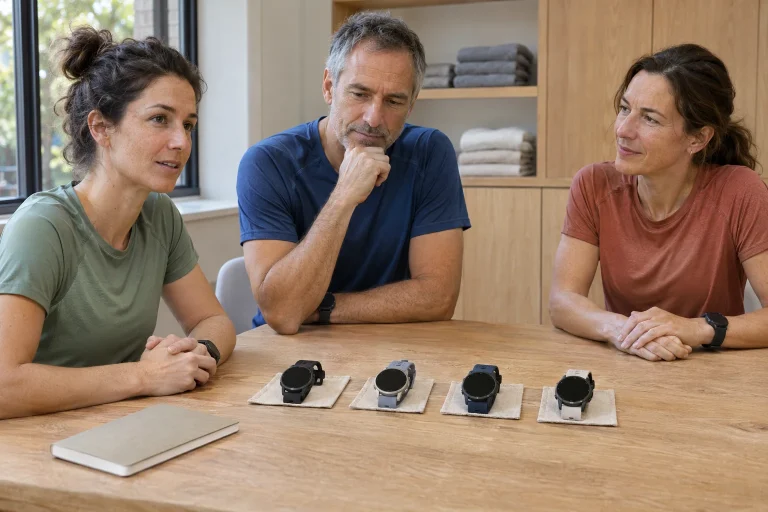
Consider the eleven-gram difference through your own comfort trial. Put the watch on with the strap tension you would use for running, move your arm and bend your wrist. The crown should not obstruct familiar movements. Case and strap fit are the real considerations: a lighter version does not solve a watch feeling fundamentally too large, while the heavier one is not automatically uncomfortable for every runner.
Race 2 or Vertical 2: let the task decide
The manufacturer’s comparison article positions the Vertical 2 for longer outdoor outings and the Race 2 more towards structured training and racing. It highlights high-performance GPS maxima of 65 and 55 hours, respectively, as well as the Vertical 2’s separate LED light and the Race 2’s rotating crown. This is manufacturer positioning, not an independent ranking of field accuracy. Many training and navigation capabilities can overlap.
For a personal decision example, imagine two weekends. On one, you train on the track, analyse intervals at home afterwards and charge regularly. On the other, you spend two days away from your usual charging point, follow several routes and return late. Readable interval views and controls may be central on the first; reserves, a light and the full equipment setup may matter more on the second. This still does not make every urban runner a Race 2 buyer and every trail runner a Vertical 2 buyer.
In a comparison within a brand, it is easy to pay for an advantage you do not use. Write down how often your current watch’s battery life was a bottleneck over the last year. Separately note trouble reading the screen or operating buttons. If the lists reveal different problems, look for separate solutions. A newer watch can combine several roles, but a specification sheet does not set your personal priorities.
 Enlarge image
The workflow for a simple interval session
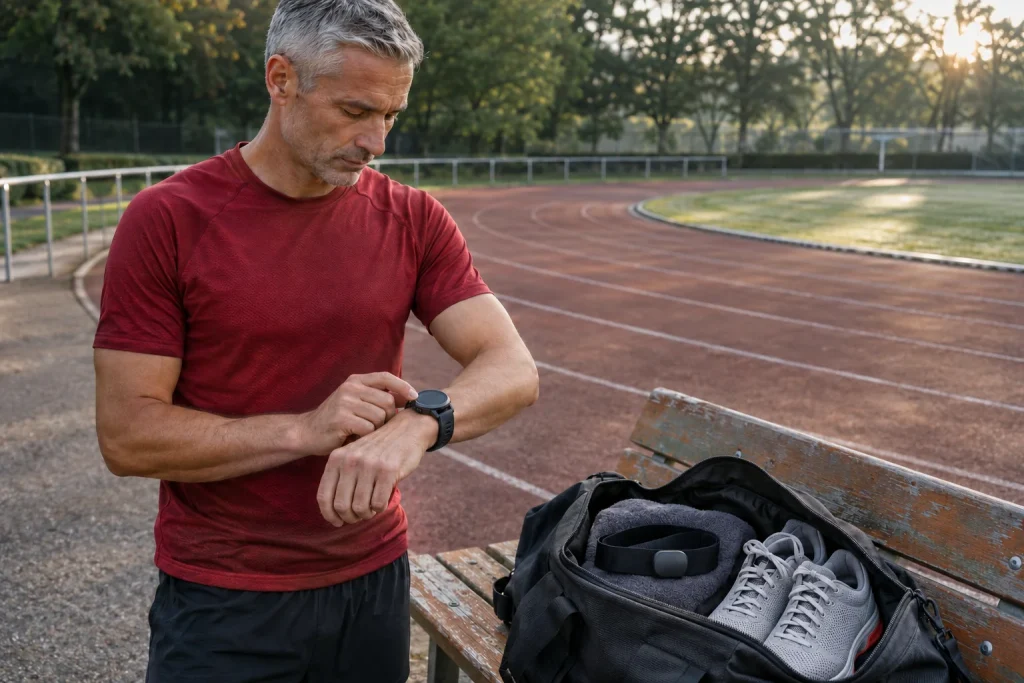
The Race 2 interval section sets the repetition count, work intervals by time or distance and recovery defined in the same way. After starting the recording, you separately start the sequence in the interval view. An important manual note says navigation cannot be activated while using intervals. This concerns the specific interval function configured on the watch; it is not a general claim about every possible workout-guidance solution.
As an operating example, choose four repetitions, each with two minutes of work and one minute of recovery. Four complete pairs total twelve minutes, with warm-up and cool-down additional. This is a menu example, not a workout prescribed for you. The trial asks whether you recognise the current section and know when the separate sequence begins. The watch recording does not necessarily mean the interval timer is running.
Recovery and pausing the recording are different too. The description says buttons retain normal operation on the interval screen: the upper button pauses the whole workout recording. A mistaken action can therefore mean missing data, not merely a skipped alert. Review the saved session when practising. Check whether intervals entered the log as intended; clarify this after a short trial rather than during an important pre-race workout.
Chest strap or footpod: plan the connection too
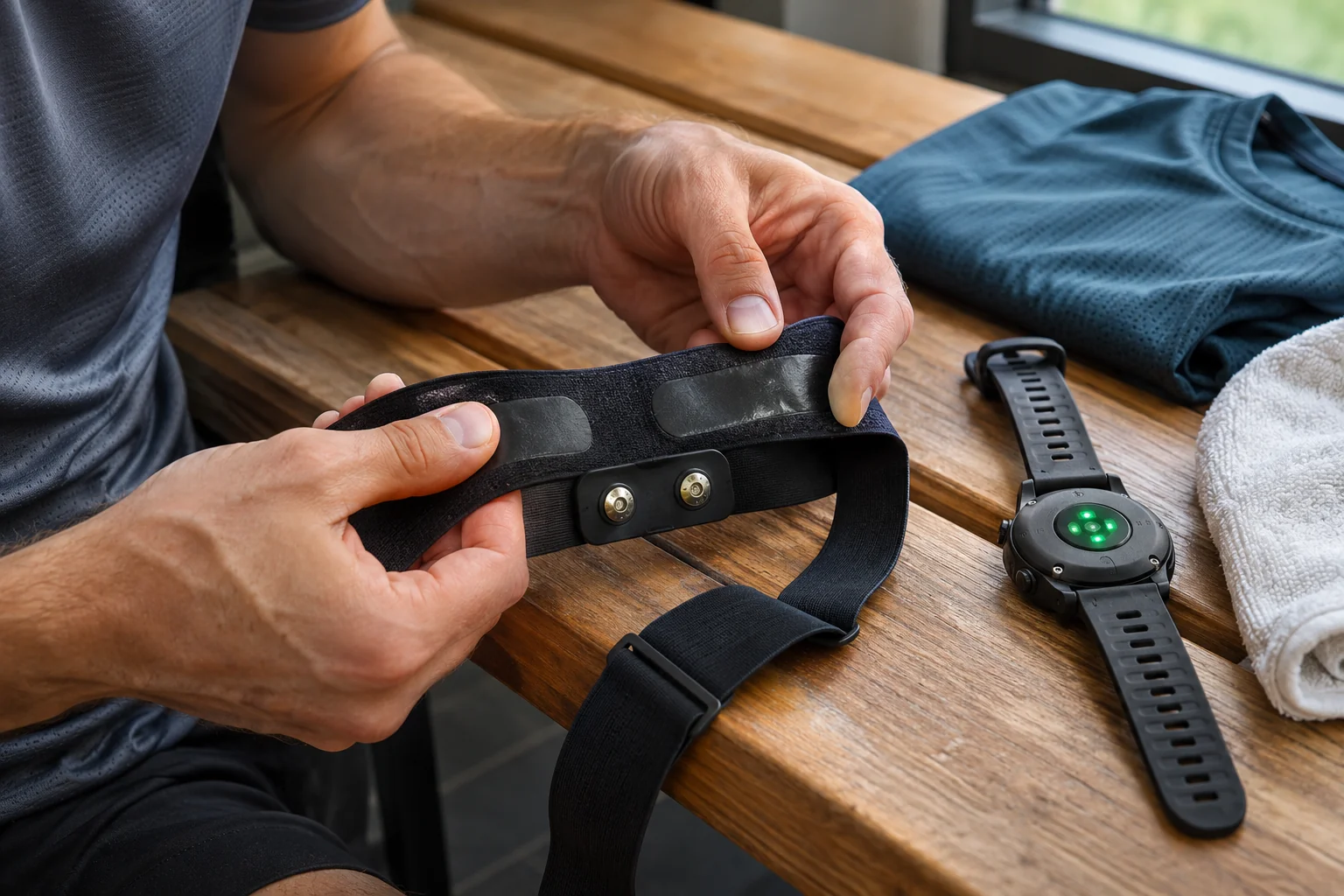
The sensor pairing guide lists Bluetooth Smart heart-rate, bike, power and footpod types. Pair them in the Connectivity menu; selecting the appropriate sport mode prompts the watch to search for its associated sensor. Flight mode prevents pairing. A Bluetooth connection does not automatically support every manufacturer’s proprietary field, nor does it imply ANT+ reception.
If you use a strap with both a gym machine and your watch, check the strap’s own limits on simultaneous connections. The aim is not merely for a device to be ‘visible’ somewhere, but for the intended signal to reach that particular recording. Pair in a quieter place, check the sensor identifier and try the data stream during a familiar short session. Checking the name is especially useful near a companion wearing a similar strap.
Footpod calibration is another separate step: the manual describes automatic GPS-based calibration and recommends appropriate satellite settings and steady running. Read the particular procedure for your own device. A calibrated sensor and a course’s verified length remain different concepts. When treadmill, footpod and watch disagree, record which supplied the data rather than retrospectively declaring your preferred number accurate.
Offline maps for another day of preparation
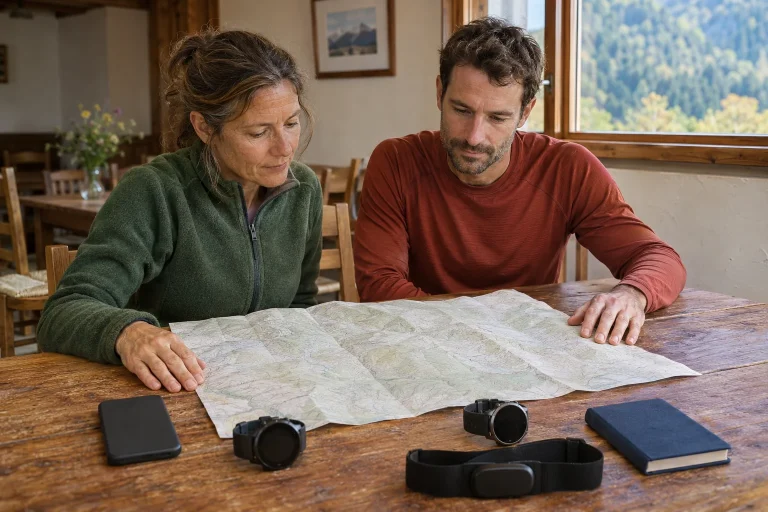
The offline mapping instructions require a wireless network set up in the Suunto app and a map downloaded beforehand. The downloaded region can then be used on the watch. Setting Map to Off leaves only the route trace, and the crown zooms in and out. This differs from sharing a route on a phone: the background map must actually transfer to the device.
Within a preparation week, track work and a long trail run may need different watch settings. An interval profile designed for repetitions may not suit a day navigating unfamiliar routes. Choose the main task before leaving. Do not try to combine menu options while already standing at a woodland junction. Understanding limits between features is part of usability, rather than merely technical small print.
When creating a route, save a clear name and date. Three versions titled ‘long loop’ are easy to confuse, especially with the same start and finish. Check whether the new route uses the right bridge, park entrance or race refreshment station. To verify the file opened on the watch, find several distinctive points on its map. That checks for the current route, not simply any line on the screen.
Suunto app, sports app and guide: different roles
SuuntoPlus sports apps are watch tools providing a separate view; select and sync them in the app, then launch them from the SuuntoPlus menu before recording. A tool using an external sensor also needs that connection. The model’s manual requires current software and syncing. Having an item downloaded is therefore not the same as actually selecting it for the particular workout.
SuuntoPlus guides have another role: live guidance from preferred sport and outdoor services, or a task created in the Suunto app’s workout planner, for example. The guides section also requires selection before recording. A sports app, training plan and basic recording are three separate layers. If a workout requires a partner account or subscription, check that service’s terms rather than inferring access from a large number of partners.
AI Coach is a particularly good example of a naming trap. The currently checked access page offers the service first for the Race 3S and indicates expansion to other compatible watches in early 2027. We therefore do not promise immediate access for every Race 2 now. The existing training log, SuuntoPlus and maps still have independent value. Base a purchase on today’s available workflow and treat later expansion separately.
 Enlarge image
Progress shows a trend, not clearance to race
The Progress widget section describes TSS-based loading indicators, short- and longer-term averages and estimated fitness and running-pace data. It mentions a recorded run or walk of at least fifteen minutes for VO2max estimation. Displayed progress is not direct laboratory measurement of oxygen uptake, and an estimated race pace does not prove you will achieve it on a particular course in particular weather.
For your own comparison, choose two similar weeks and write down the actual activities alongside them. One might contain four short easy runs; the other fewer sessions with longer or more intense sections. A load summary and session count can answer different questions. Keeping each run’s purpose and a note about how you felt helps interpret the log; otherwise, you must reconstruct why the week changed from a colourful chart afterwards.
Before a race, place the figures alongside the training actually completed. Was the planned long run done, how did rest days work out and on which routes did the time accumulate? Do not automatically turn missing data into poor condition or a favourable estimate into medical clearance. A sports watch is an observation tool; your notes and real experience connect it to training and everyday circumstances.
55 hours: choose a mode before calculating
The current Race 2 table lists 55 hours of multi-system, dual-frequency GNSS training, or 50 with Always On; single-band mode gives 65 hours, or 60 with Always On. The 200-hour power-saving maximum, eighteen-day smartwatch figure and thirty-day standby figure describe different uses. The mode-management guide lists Performance, Endurance, Ultra and Tour; by default, Tour has neither wrist nor chest-strap heart-rate tracking. More remaining hours therefore do not mean unchanged data recording.
Read the pre-workout estimate in relation to your own session. Multi-day reserves matter less centrally on the track, while the right heart-rate source and interval controls can be important. On a prolonged trail day, starting charge and reserves gain weight. Record the mode and display use during your trial too. Two battery-percentage notes alone are insufficient if GPS or heart-rate tracking operated differently in between.
Ultimately, assess the Race 2 through a full training week you understand: the right physical version, a readable screen, a working sensor, correctly started intervals and navigation prepared for another day all matter together. This supplies specific priorities when comparing it with the Vertical 2. This guide uses manufacturer documentation, not our own hands-on product test; purchased functions become useful when you can complete your workflow from starting to reviewing.
Sources
- Race 2 All Black specifications
- Race 2 Titanium specifications
- Race 2 and Vertical 2 comparison
- Interval settings
- Pairing Bluetooth sensors
- Offline maps
- SuuntoPlus sports apps
- SuuntoPlus guides
- Progress feedback
- Battery management
- Current AI Coach access
How Futószív articles are prepared: our editorial guidelines.