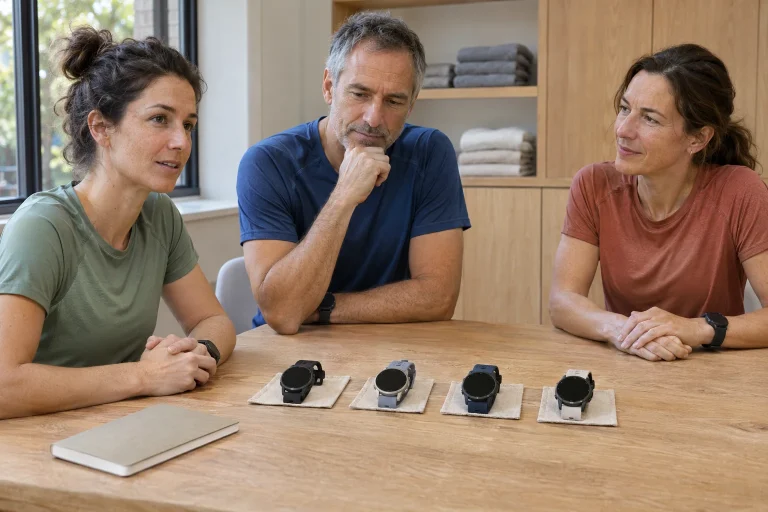
Choosing between the 4 and 64 GB Suunto Run 2 is primarily a storage decision. Both versions can use offline maps and music copied to the watch; the value of greater capacity depends on how much content you want on your wrist at once. Using manufacturer material checked on 21 November 2026, we explore practical questions for a runner preparing for a marathon.
First, distinguish the Run from the Run 2
According to the manufacturer’s announcement of 8 September 2026, the Run 2 develops the earlier Run with new positioning, a heart-rate sensor and offline maps. The prominently advertised 35 grams is the watch body’s weight. The detailed specification gives 53 grams for the silicone-strap configuration, with a stainless-steel bezel, Gorilla Glass and a glass-fibre-reinforced polyamide case. When comparing the complete devices worn on your wrist, do not set a bare watch-body figure beside another watch’s weight including its strap.
The Run 2 product page highlights maps, a larger battery and a brighter display compared with the earlier Run. Check the exact name on both the invoice and box when buying: an attractively priced ‘Suunto Run’ offer is not necessarily for the Run 2. A colour name or similarly round case does not erase the differences between the models. Also look for the storage capacity of the selected version, rather than relying only on the product family’s main page.
When trying it for comfort, consider more than the initial sense of weight. Suitable strap length, the case rotating, access to buttons and overnight wear all form part of using it. If you want sleep data during marathon preparation, comfort during the rest of the day matters especially. Lower weight does not replace good fit, and a loose strap does not automatically become better because it holds a light watch.
4 or 64 GB: not two different navigation levels
The manufacturer distinguishes Standard 4 GB and Premium 64 GB versions; the technical table lists shared storage for maps and music on both. The system takes space too, so actual free capacity is below the nominal figure. The current explanation of storage means the 4 GB version must not be described as a model without maps. Greater storage alone does not provide more accurate GPS, better fitness or more advanced map-reading skills.
Relate the decision to your storage habits. Do you use one region and replace the playlist occasionally? Or do maps of several countries and a large music collection travel with you simultaneously? In the first situation, managed smaller storage may suffice; in the second, the larger version may require less deleting. This does not require assuming a fixed map size: the actual size of the particular download is the basis for planning.
A worked example: if a music collection were 600 MB and two selected maps were 900 MB each, you would plan to store 2,400 MB of files in total. These are invented sizes for illustration, not promises about Suunto maps. Compare this figure with the device’s actual free space and leave room for operation and new files. The nominal 64 GB capacity is sixteen times 4 GB; the exact ratio of free storage cannot be calculated from that.
 Enlarge image
An offline map is a download, not the name of a switch
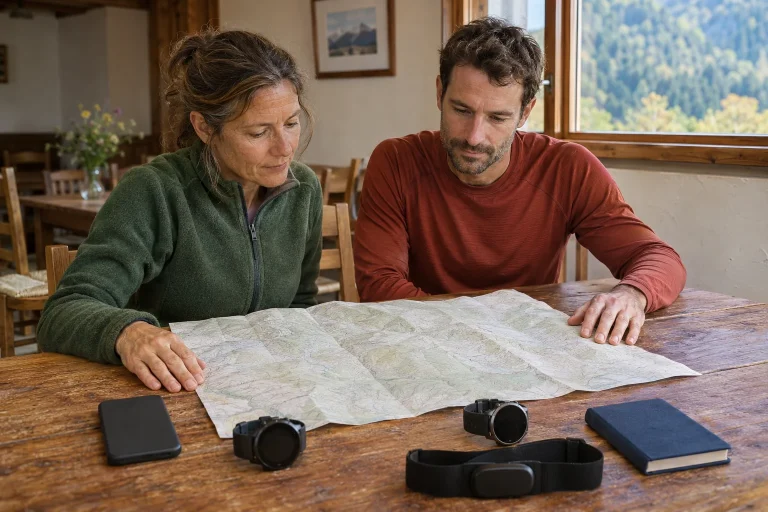
The Run 2 mapping manual says to set up a wireless network in the Suunto app first, then download the selected area to the watch. The watch notifies you when this is complete. In a sport mode using GPS, you must also choose the map style; if the map menu remains Off, only the route trace appears. This can explain why a mapping watch initially seems to show nothing but a line.
Do not leave the download until race morning. A network at unfamiliar accommodation may have a login page, password or availability different from home, and the file will not become smaller because you are in a hurry. A practical test is to inspect the destination area before leaving, rather than simply seeing a ‘download complete’ message. Can you see the accommodation and start area? Is your planned excursion still within the downloaded region? These are real questions about use.
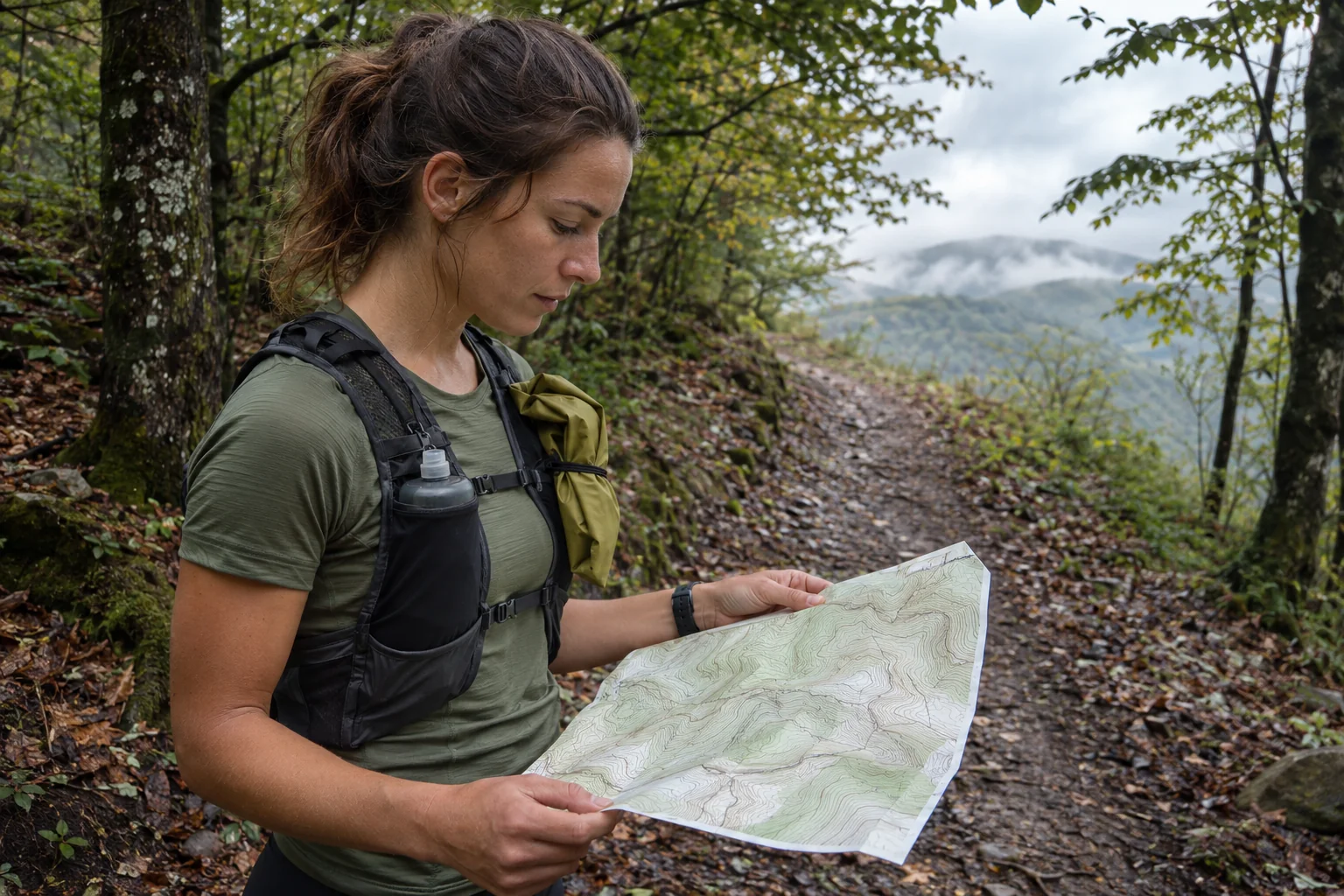
The map file and the route to follow are separate items. A background showing all a city’s streets does not tell you where that day’s closed race course runs. Check the event’s latest route and on-site markings separately. A route in an organiser’s file or on your phone may differ from previous years’ courses. The watch can offer a useful navigation view while running, but you must still observe closures and your surroundings.
Music from the watch or from the phone?
The media player section distinguishes two modes. In Bluetooth mode, the watch controls the phone’s media; in offline mode, it plays audio files stored on the watch through Bluetooth earphones paired with the watch. Files can be copied using a computer or a suitable phone and the supplied USB-C cable. The manual lists MP3, FLAC, WAV and AAC formats and identifies the Suunto app for organising playlists.
An offline audio file is not the same as a subscription music service’s own encrypted download. A track playing without a network in a phone app does not mean it can be copied to the watch as an ordinary file. Before buying, therefore, test the workflow with audio you are legally entitled to use. A supported file type, successful transfer, paired earphones and selected offline mode together amount to genuine phone-free playback.
Create a short test playlist with a few tracks and check their order, volume, pausing and reconnection. Do not learn file management while running. Race rules may separately restrict earphones; a device’s technical capability does not override them. Adapt your awareness to the route too: music at a noisy city junction creates a different attentional situation from an organised session on a closed track.
The marathon screen: understand the finish-time estimate
The Run 2’s Marathon sport mode offers 5 km, 10 km, half marathon and marathon distances. The manual lists current pace, heart rate, a finish-time estimate based on pace, distance covered and progress towards the full distance. This conveniently brings several important pieces of information together. But the estimate indicates the finish time suggested by current progress; it does not prove that the pace can be sustained for the next twenty kilometres.
A worked example: multiplying a steady 6:00 min/km by 42.195 km gives 253.17 minutes, approximately 4 hours 13 minutes. If you accelerate to 5:30 on a short descent, the projected finish may improve without the full route or later fatigue having changed. This is simple arithmetic for illustration, not a reverse-engineering of the watch’s algorithm. It teaches you not to confuse a number derived from the present moment with an assessment of your entire preparation.
Decide an order of attention before the start. Positioning and safe progress come first; data can follow on a calmer section. Slowing at a refreshment station or tight turn is not necessarily a training mistake to correct. If the finish estimate changes, look at the event behind it. Time spent in a longer queue, a steeper street or a stop deserves a different interpretation from the consequences of starting too hard for the conditions.
Training targets and live estimates during preparation
The Training mode section describes time, distance and calorie targets, intensity settings and reminders; Free training without a target is also available. Some sport modes provide their own options, such as Ghost runner. The specific menu description says more about daily use than the phrase ‘marathon watch’. You set a target before recording, and what you can select depends on the relevant sport mode’s capabilities.
The announcement also describes EnergySense effort and capacity estimation and a live finish-time indicator. These are manufacturer algorithmic features, not direct measurements of energy stores or health. This distinction is particularly important when preparation centres on a finish time: a displayed ‘remaining’ amount is not permission to extend a painful or unusually demanding run. A watch target should help you follow planned training, rather than override a reasonable plan.
One simple setup check could be twenty minutes on a familiar loop: choose a time target, observe the alert and check the saved result. This is a technical check, not a training plan. Afterwards, decide which reminder helped and which distracted you. Requesting a new alert for every small change can let information obscure the one important goal. During marathon preparation, fewer fields that you understand often make for an easier task.
 Enlarge image
A wrist sensor and a separate chest strap
The manufacturer specifies a 12-channel wrist heart-rate sensor and L1+L5 dual-frequency GNSS. These are technical properties and manufacturer development claims, not our own accuracy study across different runners. The optical measurement section requires direct skin contact and discusses arm movement, fit and individual characteristics among factors affecting measurement. The number of sensor channels is not a medical certification.
The Smart Heart Rate Belt 2 compatibility list includes the Run 2 among models supporting heart-rate, R–R, memory and ZoneSense functions; it also marks running-form functions, with model-dependent display conditions. The strap’s own specifications are therefore a necessary addition to the watch’s product page. Bluetooth pairing, receiving heart-rate data and availability of every supplementary field are not the same claim.
The strap adds something meaningful when you know which question you want it to answer. You might want another data source for an interval session, for example, or a suitable R–R signal for a particular ecosystem feature. Buying it does not turn running into a clinical examination. Pair it for the first time in quieter surroundings, check the selected sensor’s name and verify in the completed recording that you obtained the source you intended to use.
After storage, plan energy and departure too
The detailed technical table specifies up to 24 hours of dual-frequency training, or 18 hours with Always On. Single-band mode gives 30 hours, or 24 with Always On; power-saving modes list 40 hours, and everyday mode has a maximum of 13 days. The marketing highlights ten days of mixed use including training. We do not merge these into one ‘it will definitely last this many days’ figure. The mode selection section itself notes that the mode changes both operation and the estimate before training.
The choice between 4 and 64 GB is independent of this. More free storage does not give longer battery life for playing the entire music collection. If you use maps, earphones and the display extensively, test that setup before your own long run. Record starting and finishing charge, elapsed time and the selected mode. Your trial is not a laboratory result, but it is closer to your use than adding two separate manufacturer maxima.
The final purchasing checklist can be short: the exact Run 2 version, actual free space, a locally accessible map, legally copyable music, working earphones, a marathon screen you understand and enough energy for your run. The current US FAQ specifies at least iOS 17 or Android 8 for the app; also check installation availability in your phone’s current app store. This guide is based on documentation, not hands-on testing: your real files and tasks determine the value of the two storage versions.
Sources
- Run 2 4 GB product page
- Run 2 detailed technical specifications
- September manufacturer announcement
- Storage and phone requirements
- Offline maps
- Media player
- Marathon mode
- Battery modes
- Training targets
- Optical heart-rate measurement
- Smart Heart Rate Belt 2 compatibility
How Futószív articles are prepared: our editorial guidelines.