The Polar Grit X2 Pro is a map-equipped sports watch intended for trails. Its value appears in how quickly you find the next information at a junction and how reliably you prepare before a long day. This guide uses manufacturer documentation available on 21 November 2026, separating physical construction, map files, route guidance and battery-use conditions.
Assess the rugged case on your own wrist
The manufacturer lists the standard Grit X2 Pro at 48.6 × 48.6 × 13.4 millimetres, 79 grams with a strap and 57 without. Its 1.39-inch AMOLED has 454 × 454 pixels; case and bezel are stainless steel, with sapphire glass. These are the specific model’s figures, not those of the lighter Titan. The manual separately lists Titan’s titanium materials. The names share a navigation family, but purchased variants’ physical properties need separate checks.
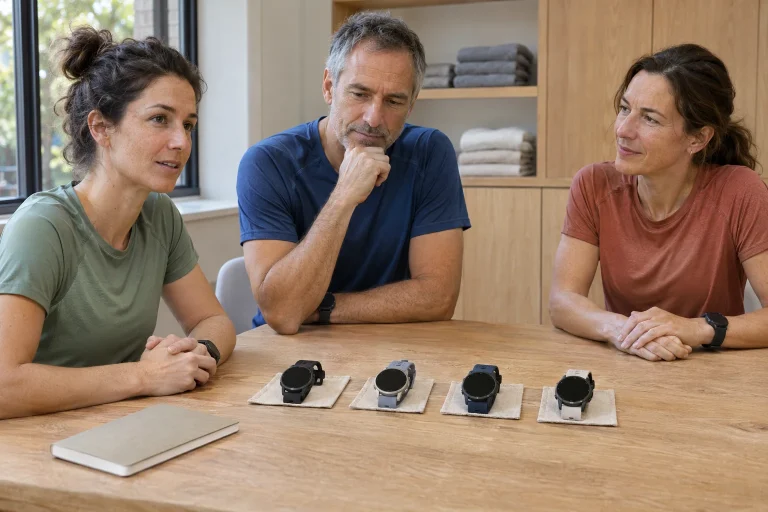
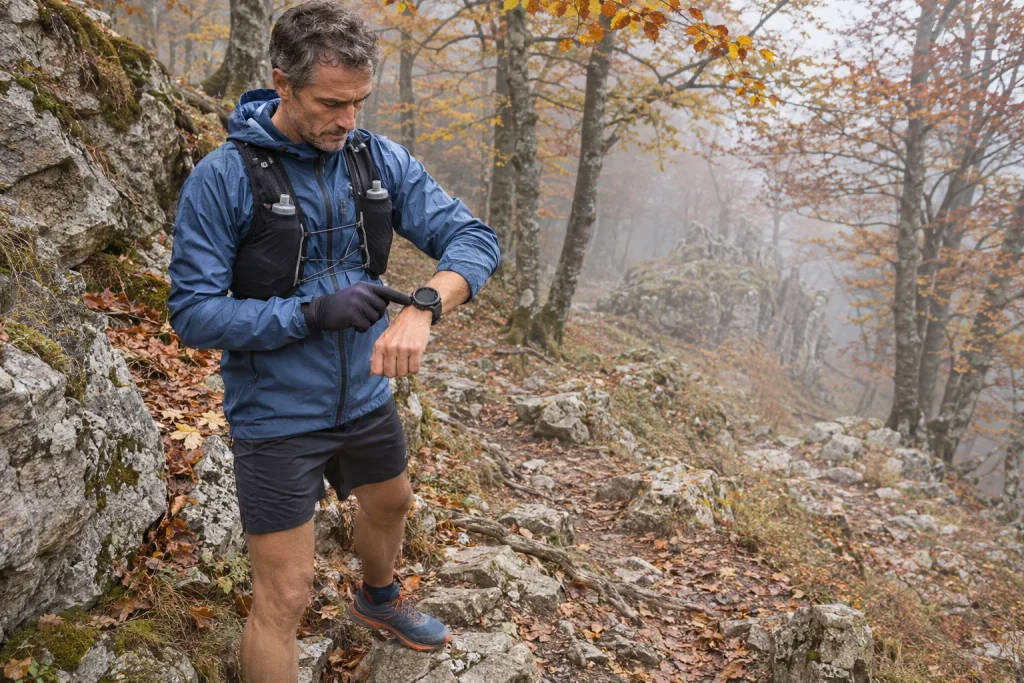
Bring your jacket sleeve to a fitting. Extend your arm, turn the wrist and pull the tighter cuff over the watch. A comfortably loose fit at home may rotate while running, while reading the screen may require constant sleeve adjustment. This is more than appearance: more actions to access information at a junction increase actual attentional demands.
Try gloved controls safely while stationary before serious terrain. Find the map, zoom, return to data, pause and resume. You need not learn twenty menus; make a few frequent operations reliable. A bigger case makes sense when you actually use its controls and display, rather than only liking a mountainous product photograph.
Map, route and position are three separate layers
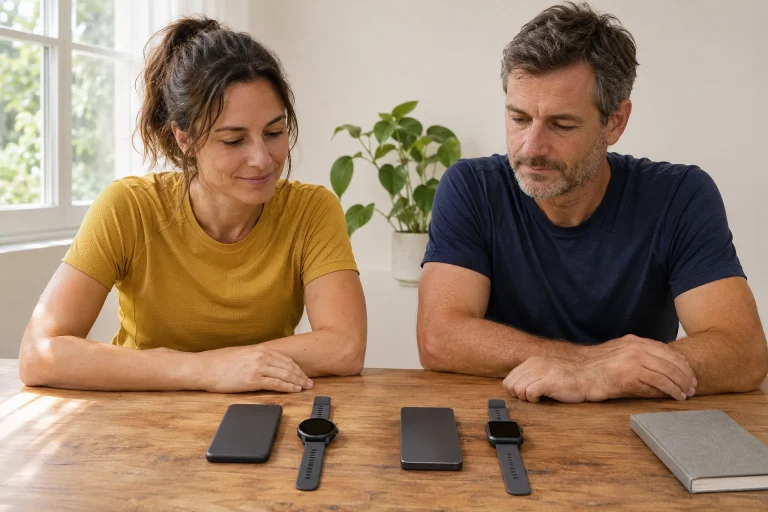
The Grit X2 Pro displays real offline maps. Download detailed files from Flow’s web interface, then copy them through a computer: File Explorer on Windows or OpenMTP named in support on Mac. Preinstalled European and North American base maps differ from detailed local files; smaller trails and contour lines appear on detailed maps. The transfer process is therefore preparation to do at home.
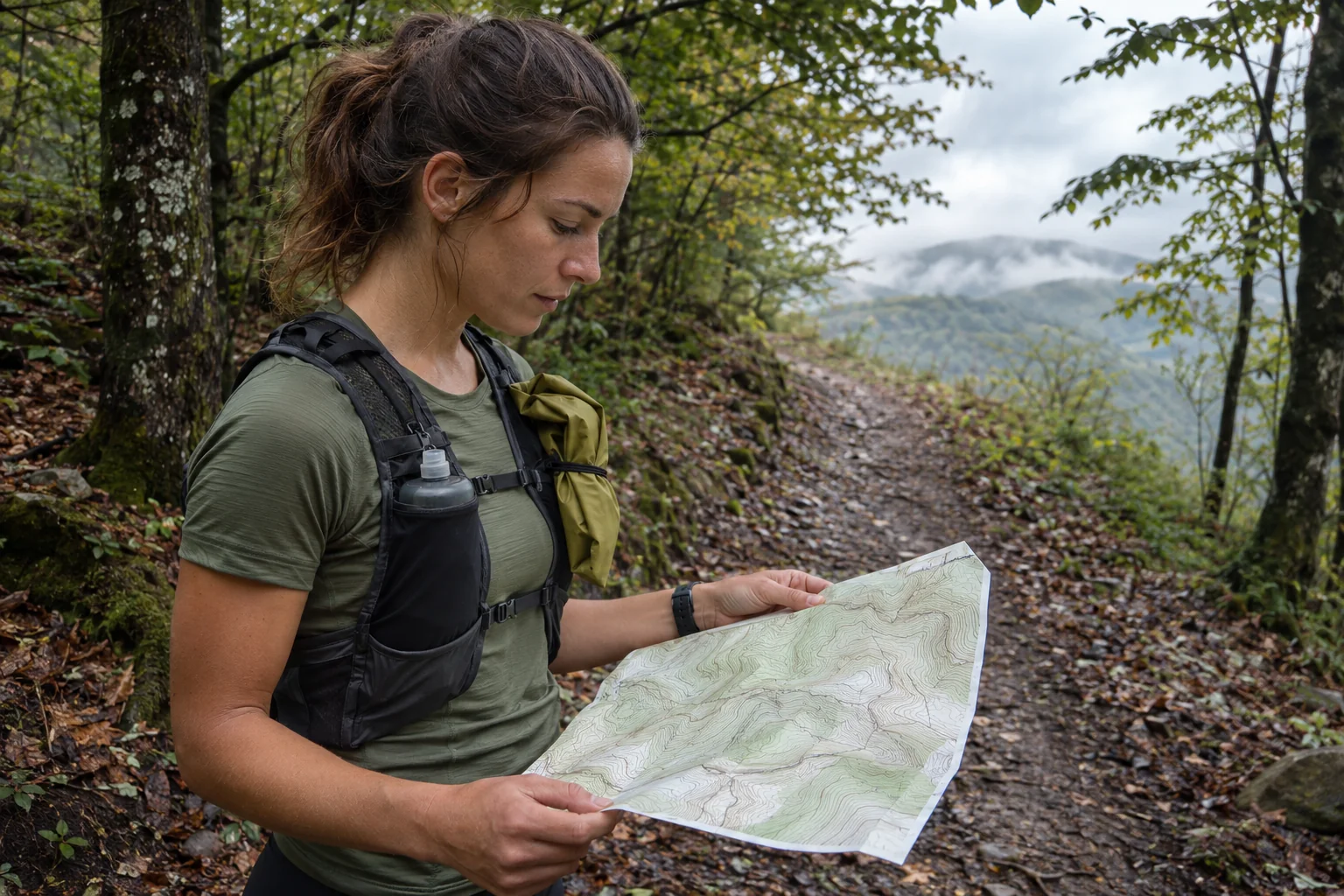
Imagine three transparent sheets: the map below, intended line above and current position on top. One does not automatically establish the other two. A forest map does not download the race’s updated route itself. An uploaded track may be only a line without background. Position also requires working satellite location; copying a file is not a GPS trial.
Make a short checking loop near home and identify all three. Is the side street visible? Is the loop’s direction correct? Does the position marker match where you stand? At a junction, check which scale distinguishes parallel paths. The aim is not an artificial instrument exam but identifying a view that gives you usable navigation information.
 Enlarge image
Route guidance: software version is part of the equipment
Polar’s 4.1.5 update made turn alerts available for all Grit X2 Pro routes. Enable them for the selected route in map navigation; Komoot routes have them on by default. The manufacturer describes sound, vibration and a displayed direction. Older Komoot-only descriptions may therefore be incomplete now. The version-specific change is a better reference than memory of a launch review.
The current manual lets you select a route from map view, reverse direction or switch routes. Maps can be north-up or heading-up; the chosen route and completed track have separate markings. These are map operations during a run. Reversing direction does not open a route closed that way or guarantee a descent can be run upwards.
As a practice task, upload a simple figure-eight loop passing the same point twice. Decide in advance which branch you expect the second time. A crossing route shows that recognising a nearby line and choosing the correct route section are separate questions. At a race, organisers’ markings, current instructions and closures also provide information; an older watch file does not override them.
Komoot: a separate subscription and syncing path
Current checked Polar support requires active Komoot Premium to transfer Komoot routes to the watch. It also requires one-second GPS recording; one- or two-minute settings cannot be used. Grit X2 Pro routes sync through the Flow mobile app, not computer-based FlowSync. Treat this specific integration condition separately from having a free region or seeing a route on the phone.
Two apparent successes can mislead: a route appears in Komoot but not watch favourites, or Flow has it while the watch still shows an older list. Troubleshoot the chain: correct linked account, selected route, completed mobile sync and route visible by name on the watch? Fix one missing step rather than randomly changing every setting.
Budget beyond the watch and strap. If a paid service supplies your routes, check its current price and terms. This does not mean all mapping requires Komoot: offline files and that specific integration are different features. Clarify that before buying, particularly for unfamiliar-route use only a few times annually.
Getting home: a straight line is not a passable route
Track back follows your completed route to the start; Back to start shows direct bearing and straight-line distance. Both require GPS on. Track back works after training has started and you have moved far enough; direct bearing can be set before starting. The manual’s distinction matters on trails: the shorter counter measures a different task.
Imagine a horseshoe path curving to a stream bridge. Parking might be 900 metres directly away but 2.4 kilometres along the known path over the bridge. These are illustrative numbers, not watch measurements. Choosing the shorter bearing could lead into scrub, a steep bank or impassable water. Retracing preserves more information about the outward corridor but cannot solve changed conditions.
In daylight, identify a junction whose return structure you understand. If uncertain, stop safely, zoom and compare screen with surroundings. Choose backup navigation not dependent on the same battery. A known exit, paper map or charged second device helps when you know how to use it; an unfamiliar file carried in a bag helps less.
40 hours and 110 hours: different data detail
The dedicated battery support gives up to 40 hours in Performance: optical heart rate on, dual-frequency GPS every second and Always-On off. Eco’s 110 hours uses single-band GPS every two minutes, optical heart rate off and Always-On off; the eleven-day everyday example contains no workouts. Read mode conditions with the numbers. The technical and battery chapters currently give the same three figures.
A junction, turn-around and several small bends can occur within two minutes. A sparse point series is therefore a different description of movement, not merely a smaller file. Komoot routes also need the one-second setting above. The 110-hour headline does not imply 110 hours of full navigation with all services simultaneously.
Estimate consumption on a repeatable run of your own. Note starting and finishing charge, elapsed time, GPS mode and display. A three-hour trial using fifteen percentage points averages five points per hour for that occasion. A simple twenty-hour projection is rough planning only: cold, more map viewing or battery ageing may change it. Plan reserves for a long event, not the mathematical endpoint of one favourable trial.
 Enlarge image
Water resistance and charging have different boundaries
For WR100, Polar uses a 100-metre static-pressure designation; its table lists bathing, swimming and breath-hold diving without scuba equipment, not scuba diving. The manual also says not to press buttons underwater. The water-resistance explanation does not promise unlimited use under every water-sport load. After running, mud, salt and wet contacts are care issues more than advertising figures.
Charging guidance requires clean, dry contacts; do not charge a wet watch or below 0°C or above 40°C. Charging during exercise is supported under the same clean, dry conditions. The manufacturer describes rinsing with lukewarm tap water after training. The charging chapter therefore matters more after a long day than a striking case. A cable retrieved from beside a wet sleeve does not provide a dry charging place.
Practise the stop sequence at home: put equipment down, check watch and connector, clean, allow drying and only then connect. Check the charging indicator actually appears. This separates an available power bank from charging that works. If damaged or contacts cannot be cleaned properly, forcing the connector harder is poor troubleshooting.
Flow and the purchase: what does the extra cost buy?
The Grit X2 Pro uses training-load and recovery feedback in Flow. Choose Recovery Pro or Nightly Recharge: the former combines orthostatic tests, training history and wellbeing answers, the latter overnight data. The manufacturer’s comparison describes different data-collection situations. A tougher case does not diagnose the body more accurately, nor does favourable feedback justify every workload.
Start with three runs of yours: a familiar weekday loop, an unfamiliar forest route and a long day with several planned exits. Describe what you would do with the watch. If only time and pulse matter throughout, outdoor construction may offer less to you. Frequent downloaded-map reading, direction changes and long recording make navigation controls central to the purchase.
Then ask to work through your tasks in a shop or on a demonstration unit. Which screen shows the next junction? How does a fresh route reach the watch? How do you know the detailed map is stored locally? How does the case fit between glove and cuff? Answers make the decision concrete. This is a manufacturer-documentation guide, not our own field test; a practised workflow, rather than ‘Pro’ alone, supports the next big run.
Sources
- Manufacturer product specifications
- Technical and water-resistance information
- Transferring offline maps
- Using maps during training
- 4.1.5 update
- Komoot integration
- Return-navigation modes
- Battery life and conditions
- Charging and care
- The two recovery approaches
How Futószív articles are prepared: our editorial guidelines.