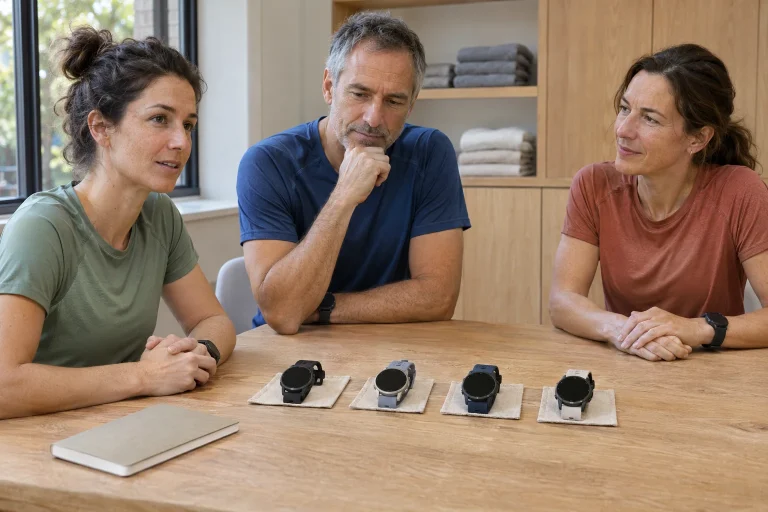
One strength of the Vantage V3 is that it shows more than distance and pace. A running test, resting electrical-signal recording and different recovery approaches also form part of the system. More numbers help only when it is clear how each was obtained and what it is for. This guide explains official Polar descriptions from November 2026; it is not a hands-on test, medical review or personal training prescription.
Name the question you want answered first
The Vantage V3 product page lists AMOLED, dual-frequency GPS, offline maps and the Polar Elixir sensor system. These are different capabilities. Learning running pace zones differs from reviewing a nightly metric, and neither determines the cause of a health complaint. When buying, describe a specific use rather than only wanting ‘lots of health data’.
Three goals might be following a structured running task, reviewing feedback related to training history or exploring a resting-measurement routine. Each involves different behaviour. Workout views and alerts matter for the first, a complete log for the second and comparable measurement conditions for the third. Look beyond feature count to the task and daily effort it requires.
If you already have a coach or plan, fit the watch metric into it. Do not build contradictory parallel rules simply because a new field appears. Note which data you want regularly and which only interest you. An unexpected number then relates to a defined question instead of automatically changing the whole week.
The Running Performance Test is exertion, not a menu trial
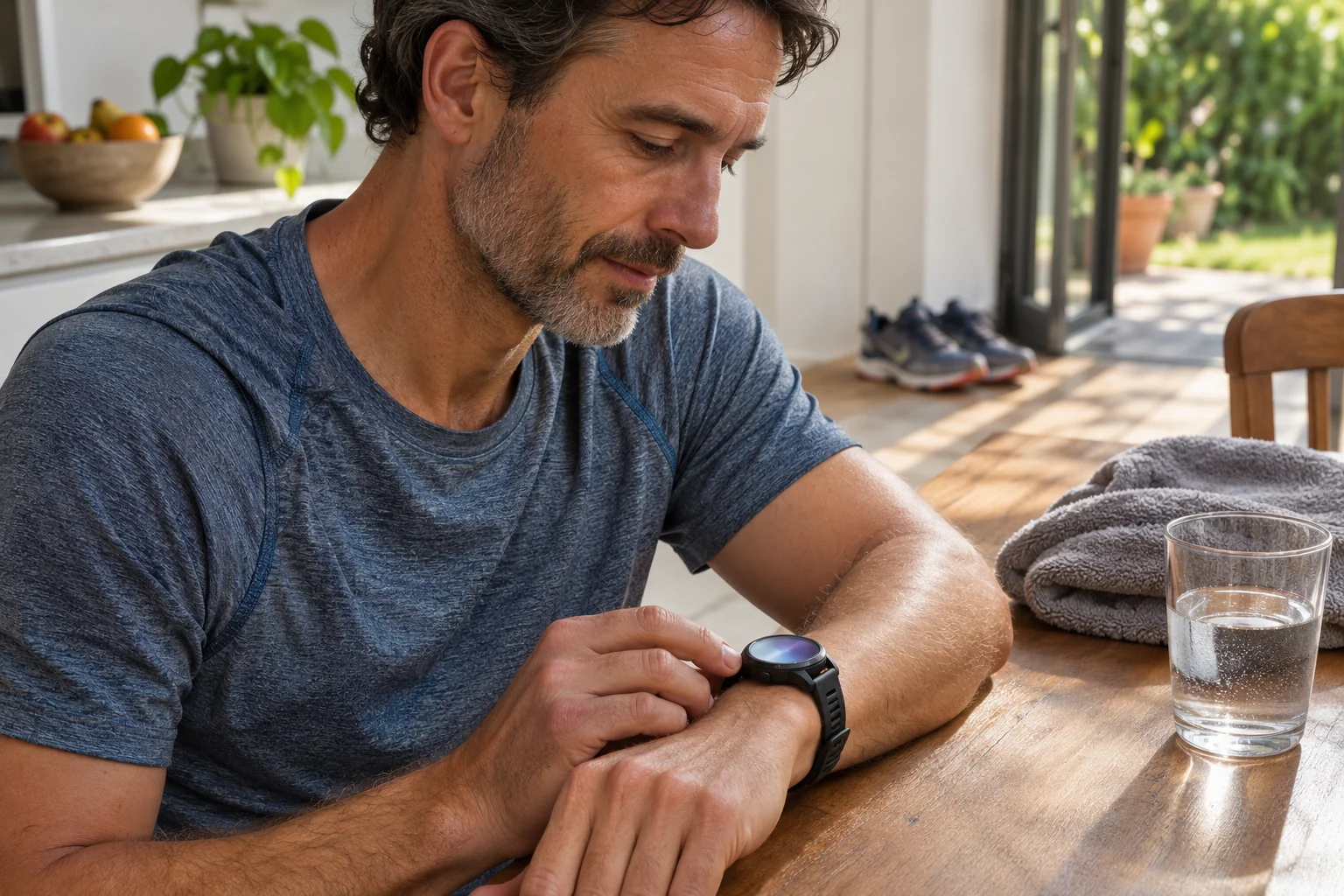
The Running Performance Test guide describes a progressively faster test for tracking running heart-rate, speed and power zones. Maximal and submaximal versions exist; the latter also uses the set maximum heart rate. Polar does not recommend the test when ill, injured or uncertain about health. Do not treat it as a compulsory setup step for everyone.
Read all preparation instructions before use. Learning controls alone does not require this exercise assessment: starting and saving can be learned with simpler activity. Separating a test from a technical trial prevents misunderstanding. Owning a new device is no reason for an immediate maximal task irrespective of running history and condition.
Retain environment and inputs when comparing results. Another route, wind, interruption or sensor can change the test situation. If zones change after a new test, check which sport profile and target use them. Note the difference between old and new settings, or later graph differences may be attributed only to your performance.
 Enlarge image
Wrist ECG is not the watch equivalent of clinical ECG
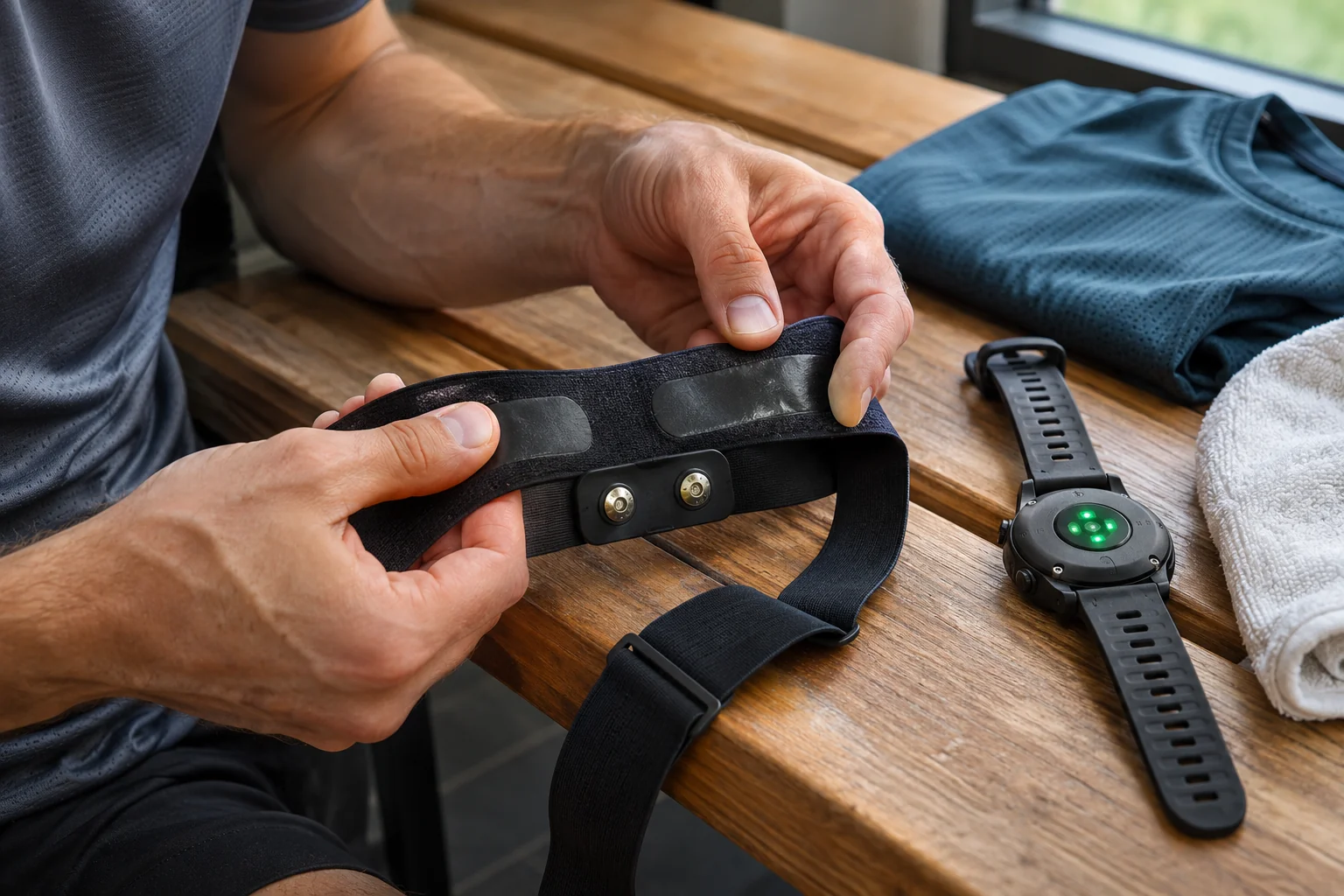
The Polar Wrist ECG description provides a thirty-second resting recording from voltage difference between two electrodes. Output may include an electrical waveform, average heart rate, HRV and beat-interval data. The manufacturer explicitly does not intend medical or diagnostic use. Do not equate it with other brands’ differently intended and authorised apps or continuous rhythm diagnosis while running.
Electrical signals and optical heart rate use different measurement principles. Appearing on one watch does not make them interchangeable. Read resting recordings under their own conditions; exercise heart rate at another time answers another question. A displayed waveform alone neither clears you for a hard workout nor safely rules out your symptoms.
Detailed results require syncing through the Polar Flow app; the manufacturer says ECG data do not transfer through desktop FlowSync. PDF export is a data-management feature, not a change in intended use. Keep date and circumstances if saving output. Stored data make sense only when their purpose and limits remain understood.
The orthostatic test is its own repeatable routine
The V3 orthostatic guide describes four minutes: two at rest followed by two standing. V3 supports wrist ECG or a suitable paired Polar heart-rate sensor. The first position can be seated or lying down but should stay consistent for repeats. The system compares with your own history; this differs from a simple seated thirty-second ECG recording.
Comparability gives the routine meaning. Testing in bed one day and during a rushed morning another changes conditions. Choose a window you can actually maintain. Knowing what surrounded the recording matters more than calendar repetition alone. Briefly note deviations from usual conditions for clearer later review.
Do not make the test a daily contest. A value different from your average does not mean the same thing for everyone, and repeating until a favourable number appears creates another dataset. This article gives no home diagnostic thresholds. Ask which inputs and circumstances underlie feedback and how they fit actual condition and training history.
Recovery Pro requires active participation
The Recovery Pro documentation combines orthostatic results, Cardio Load and personal recovery answers. Initial feedback requires three training days with heart-rate measurement, at least three orthostatic tests in the previous week and three sets of answers. Questions concern muscle soreness, perceived strain and sleep. That is more input than one automatically calculated morning number.
A subjective answer is not inferior to sensor data; it is a designed input. Pressing the same response without consideration makes your contribution less meaningful. Answers are not for obtaining a more favourable recommendation. The system can use entered information when it reflects actual observation. This needs consistent, honest brief answers rather than a long diary.
If daily feedback surprises you, inspect training history, measurements and answers separately. A missing recording need not have the same explanation as an unusually demanding week. Real circumstances matter for the next task too: work, travel, time and the agreed plan. Algorithmic feedback may suggest a question for review, not an instruction deciding everything.
Nightly Recharge uses an overnight window
In the Nightly Recharge description, ANS charge and sleep charge are two components. ANS uses heart rate, HRV and breathing from roughly the first four hours of sleep; the reference is your usual level over the previous 28 days. Sleep charge relates to a summary of sleep amount and quality. Continuous or night-time heart-rate measurement and overnight wear are needed; status begins after three successful nights.
A whole-night HRV average and ANS output therefore may not describe the same window. If two apps differ, first identify the period each used. Do not choose a different summary merely because its number is more favourable. Keep changes in habits too, such as wearing the watch for only part of the night or charging later than usual.
The Polar page helping choose between the two approaches treats Recovery Pro and the automatic overnight approach as different routines. Choice should not be about prestige. A sustainable morning test and questions offer different use from overnight wear that fits well. ‘Pro’ in the name does not mean the most sustainable information system for every runner.
 Enlarge image
Maps and Flow involve a separate workflow
The Polar offline-map description transfers maps downloaded from the Flow web service to the watch through a computer. This differs from simple workout syncing in the mobile app. Maps work as an independent background or with route guidance. A specific route and regional map file are separate preparations; a successful mobile connection does not imply fully prepared navigation.
Before an unfamiliar run, check coverage and route direction. Practise switching data and map views on a short familiar loop. According to the sport-profile guide, training views depend on the selected sport and Flow editing. A page in one profile does not establish the same arrangement in another.
The Flow compatibility page and current app-store requirements together help check the phone environment. Account, watch pairing and using a specific Bluetooth sensor are different steps. For a strap or running sensor, check exact model and data type too. Basic connectivity does not guarantee every external metric. Verify what your training needs in the recording.
Read battery life for the chosen measurement task too
The separate V3 battery guide gives up to 42 hours in Performance: dual-frequency GPS every second, optical heart rate on and AOD off. Eco’s 110 hours uses another configuration: single-frequency GPS every two minutes without optical heart rate. The eleven-day smartwatch example contains no workouts. Do not interchange these rows or treat the longer value as equally detailed run recording.
For your decision, state which data you want from the longest outing. If the load system uses heart rate, recording with the sensor off may provide a different input. Weigh detailed routes against longer operation beforehand too. Seek the desired data with enough reserve rather than merely the greatest hour count. Charging routine belongs here as well.
The Vantage V3 provides a coherent system when tests are used for their intended purposes, a recovery approach is chosen for a sustainable routine and runs start with a prepared profile. Watch feedback is not an all-seeing condition report. Alongside your experience and actual training environment, it can help identify which conclusions are worth asking about from which data.
Sources
- Vantage V3 product page
- Running Performance Test
- Intended use of wrist ECG
- Orthostatic test
- Recovery Pro
- Nightly Recharge
- Choosing between the two recovery approaches
- V3 battery modes
- Offline maps
- Training views
- Flow compatibility
How Futószív articles are prepared: our editorial guidelines.