Before your first group run, you often need three things from a watch: an easy start, a signal for the agreed interval and a recording that makes sense afterwards. The Apple Watch SE 3 deserves consideration in that role. Its lower position in the range does not make it merely a step counter, but it does not have every feature of the more expensive models either. This guide translates the official November 2026 descriptions into running situations; it does not claim hands-on testing.
Phone and software first, case colour afterwards
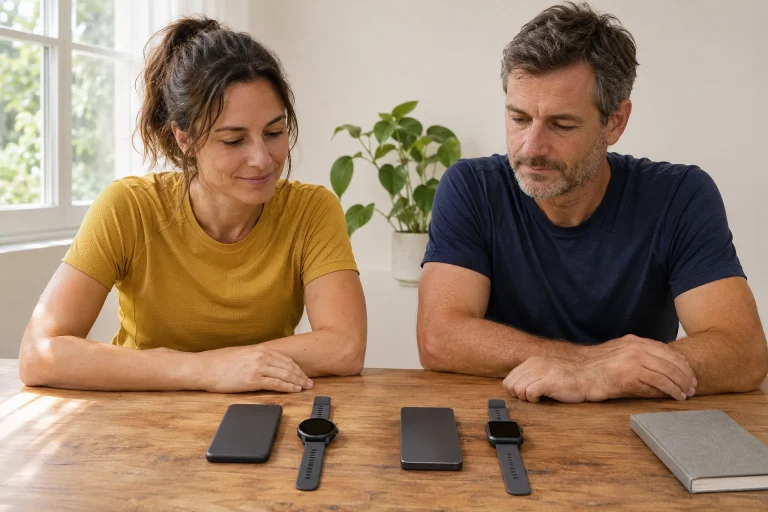
The current SE 3 specifications require an iPhone 11 or later, including a second-generation or later iPhone SE, and iOS 27. Meanwhile, the compatibility table lists iOS 26 as the SE 3’s earlier launch environment. When buying, do not confuse original support for an earlier system with the requirements of today’s software: the watchOS 27 update guide already requires a paired phone running iOS 27.
This matters particularly with a used watch or older stock. Ask which software it runs and which iOS version is available on your phone. ‘I have an iPhone too’ is not precise enough. Occasionally borrowing another family member’s phone is also a different situation from having daily access to your own paired device. Clarify in advance who will own the recordings and account, and who will handle updates.
A practical buying order is: phone model, system version, an account you can set up for yourself, the desired watch variant, and finally case and strap. This avoids discovering that a cheaper watch unexpectedly requires a new phone as well. Look at the total cost, not just the device on your wrist. The SE is a good entry point when the necessary setup is already available or you consciously accept its cost too.
Choose between 40 and 44 millimetres for readability
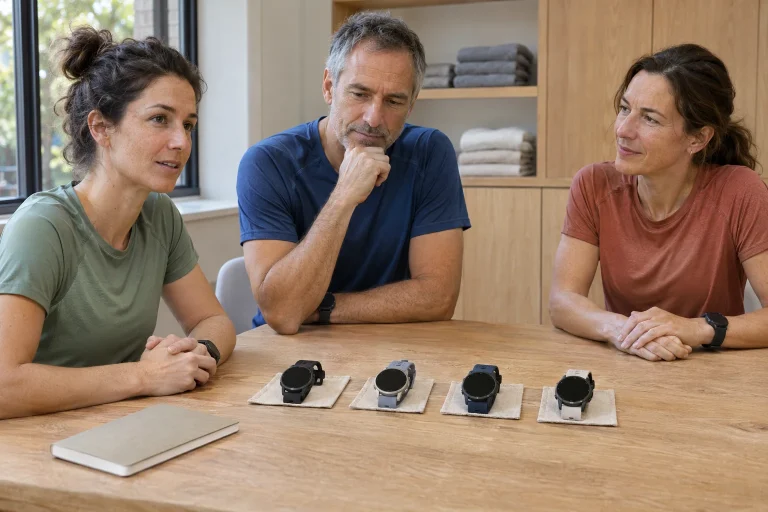
The SE 3 is offered with an aluminium case in 40 and 44 millimetre sizes. The manufacturer’s weights for the GPS versions are 26.3 and 32.9 grams respectively, without a strap. The watch has an Always-On display with 1,000 nits peak brightness; it would be wrong to assume the screen behaves like that of an earlier SE generation. The model’s technical specifications also list L1 GPS and customisable Workout Views. Keep this distinct from the Ultra’s dual-frequency positioning.
When trying it, look at the workout view you would use while running rather than an impressive watch face. Can you read the important two or three fields at a glance? Is the crown comfortable to reach with your usual hand position? A larger screen can help, but it is a poor trade if the case interferes with bending your wrist or your jacket sleeve. Assess readability and comfort together.
In a simple personal layout, elapsed time, distance and one chosen pace metric take priority. Other data can stay on another screen for later interest. Searching through five numbers for the important one can make more information mean more searching. Let the task filter the display: time may come first for a timed club interval, while a relaxed run around a familiar loop may call for another field. Screen size then relates to an actual reading task.
The GPS version can record a workout without a phone
The guide to using the watch without an iPhone includes workout recording among the features available without a network connection. That is separate from calls, messages or streamed music. If you simply want to record a run in a familiar park without carrying a phone, that alone does not require a Cellular model. If you want to remain reachable, investigate network connectivity and the associated plan separately.
Do not make an important event your first phone-free trial. On a short, familiar route, check that the workout has started, then confirm that the summary you want appears when you get home. Clarify the difference between online and downloaded content here too. Something playing at home near the phone does not establish that it will work at the far end of the park. Test the situation you intend to use, not merely the existence of an icon in a menu.
For Cellular, Apple’s current carrier list names Magyar Telekom and One in Hungary. The specific tariff and eligibility of business or prepaid plans are separate questions. The manufacturer’s support information also says that some SMS, MMS and third-party app notifications require the paired iPhone to be switched on and connected to a network even when it is not nearby. A watch eSIM therefore does not remove every dependence on a phone.
 Enlarge image
Build custom intervals from the agreed training session
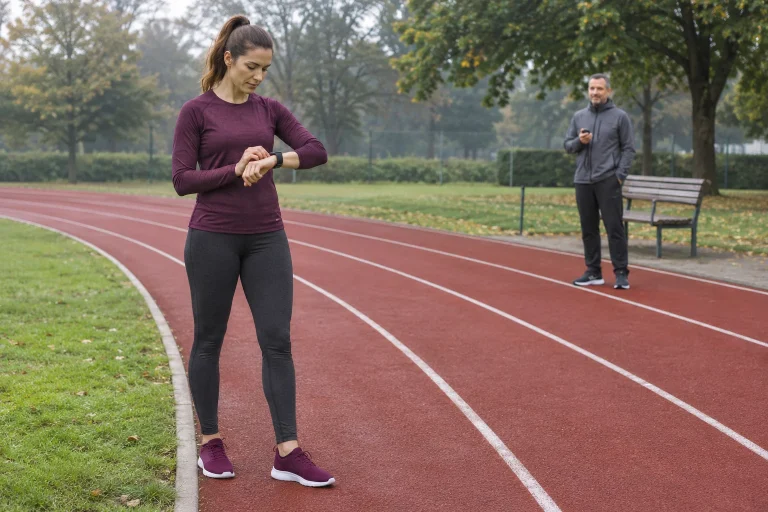
The Custom Workout guide allows a warm-up, work and recovery intervals, repeats and a cool-down. Work or recovery goals can be time, distance or open. The Up Next view provides an overview of the next task. These are meaningful running tools on the SE: a simpler model can still guide a sensibly structured session. Take the actual workload from your training plan rather than from the watch menu.
As a control-setting example, imagine ten minutes of introductory movement, four repetitions of three minutes of work with two easier minutes, and eight minutes to finish. If you include two minutes of recovery after all four repetitions, the entered total is 10 + 4 × 5 + 8 = 38 minutes. If you regard the last recovery as part of the cool-down, you need a different structure. This example explains the menu’s logic; it is not a training programme recommended for everyone.
Give the workout a name that will help you understand the task later. Check the number of repeats and the final interval separately: ‘four times’ can easily mean something different in a plan held in your head and in the editor. For an open warm-up, know in advance how to move on. At your first club session, allow time to check before starting; a calm half-minute can be more useful than guessing mid-run why the watch shows a different block.
You can prepare the session on the larger phone screen too
The current iPhone Fitness guide describes editing custom workouts on a phone for a paired watch running at least watchOS 26, with automatic syncing to the watch. You can assemble the opening and closing intervals, repeats and their order on the larger screen. This is particularly useful if editing on your wrist feels fiddly. Still check that the finished plan appears correctly on the watch before setting off.
A useful approach is to interpret the coach’s task in plain language first: what is work, what is recovery, which interval is open, and where does it end? Only then transfer it to the editor. If the plan says recovery is ‘as needed’, do not automatically convert that into an arbitrary fixed number. The watch requires a structured task; it does not resolve ambiguity in the plan.
Your log can record what actually happened alongside the original intention. For example, you may have had to stop at a road junction during the third work block. That is different from setting the repetition incorrectly. An accurate note helps you avoid inventing a story later from the shape of a graph. Good technical preparation makes the relationship between planned and completed training clearer; it does not erase the real environment.
Voice Feedback and VoiceOver serve different purposes
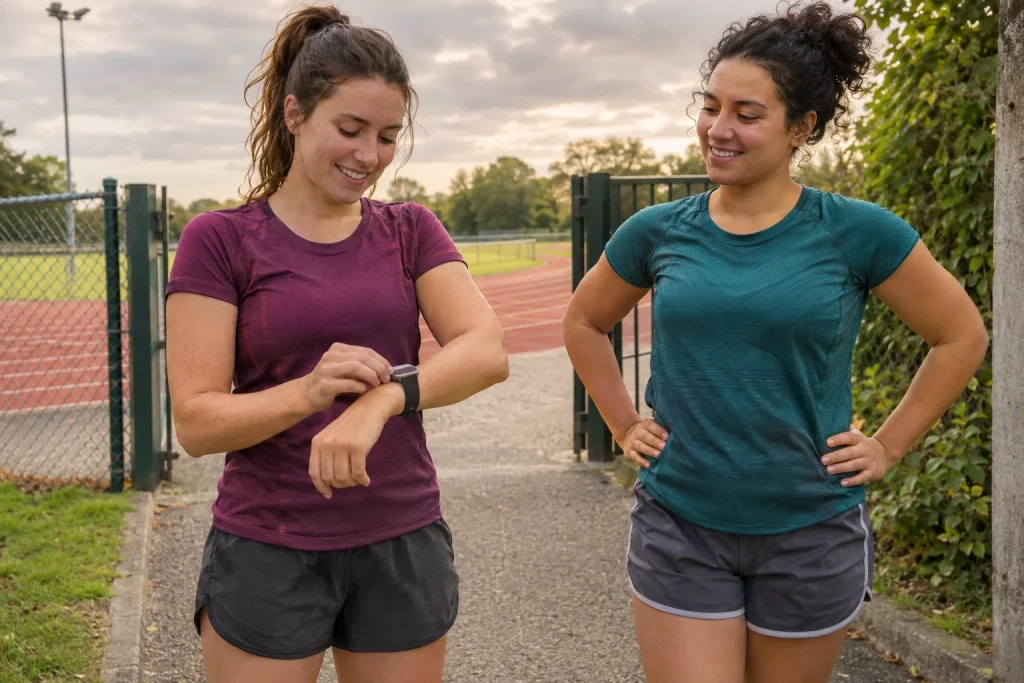
The guide to starting a workout describes a Voice Feedback switch in Workout settings for spoken feedback on important alerts and Activity progress. This is different from the VoiceOver screen reader, which speaks selected items and uses its own control gestures. With VoiceOver, selecting an item and activating it are separate steps, for example; activation can use a double-tap. Learn the names and purposes of the two features separately.
For spoken feedback, test the complete chain: the watch, selected audio output, headphones and actual workout type all matter together. During a trial in a quiet, familiar place, notice when you receive feedback and what you understand from it. A spoken split does not mean that the same feature can read every touch-accessible control. If you use a screen reader to operate the watch, work through the whole sequence of starting, pausing, resuming and saving.
A running partner can help with this, but judge independent use by your own needs. A trial is not successful merely because someone beside you pressed the right button for you. Agree in advance on the short task and where you will stop to review it. Continue to hear your surroundings; spoken feedback is a convenience or accessibility tool, not a reason to shut out the traffic environment.
Name the missing premium health features precisely
In Apple’s model comparison, the SE does not have the ECG app; the list of ECG-capable models expressly excludes the SE family. The Blood Oxygen app and hypertension notifications are not listed SE 3 capabilities either. Optical heart-rate measurement and certain heart-rate, rhythm or sleep-related notifications, by contrast, appear with their own conditions. Do not confuse showing a pulse with recording an electrical heart signal.
When buying, specify the requirement rather than saying only that you need ‘health monitoring’. Do you want to review heart rate during training, or are you interested in a particular health feature? Those may lead to different device requirements. For the latter, check the exact age, regional and usage conditions in that feature’s own description. Buying a more expensive watch does not replace assessment of a health complaint, and the absence of an alert is not a general certificate of health.
In a running log, treat watch heart rate as one part of that recording. Add your perceived effort, route and any stops or watch movement. Do not immediately turn one odd number into a new training zone or a disease label. Deciding what a device can do and clinical interpretation are different tasks. Judge the SE by your actual purpose rather than simply counting missing features.
 Enlarge image
Seven hours of workout recording is not an all-day guarantee
The manufacturer’s battery page quotes up to 18 hours of daily use, 32 hours in Low Power Mode and, separately, seven hours of outdoor workout recording for the SE 3. The daily test included a sixty-minute workout; the outdoor workout test was conducted without an iPhone and with the heart-rate sensor active. These upper figures from 2025 testing are not measurements of your personal battery life. Do not interchange the daily-use and continuous-recording figures.
The fast-charging guide gives about 45 minutes to charge from zero to eighty per cent, using an appropriate fast-charging cable and the test conditions. The eight hours quoted for fifteen minutes of charging is a daily-use figure. When planning a Saturday long run, charging beforehand and experience with your usual settings may matter more than remembering the largest number on the box.
Include a charging window in your routine and check the actual battery level before leaving. If you wear the watch overnight, avoid discovering at bedtime that the charger is in another bag. A short weekday run and an outing lasting the whole morning may require different preparation. Charging that fits your schedule is more than a minor convenience: it determines whether a working watch is actually on your wrist when you want to record.
The core Workout app and Fitness+ have different costs
Do not confuse recording your own run in Workout with the Fitness+ subscription catalogue. The latter is a separate service offering guided workouts and meditations, with regional availability. A trial offered with a purchase does not mean you must keep that subscription to record a basic run. If a promotion interests you, check eligibility, renewal and cancellation in the offer’s own terms.
To assess the SE 3 practically, write down three uses of your own: a club session, a solo evening loop and a longer weekend run, for example. For each, identify the important data, desired connection and pre-start tasks. Where core features already meet the need, another real requirement must justify the premium model’s extra cost. Where a missing feature or different battery life is essential, do not assume a new app can simply replace it.
A well-chosen entry-level watch can provide a clear system: you know how to build the task, when feedback arrives, how to save and what to review afterwards. People still shape a running club’s shared pace and attentiveness. The watch helps most when you can carry out the prepared controls briefly and confidently, then concentrate on the agreed task and your companions while running.
Sources
- SE 3 technical specifications
- Current model comparison
- Compatibility table
- Requirements for updating watchOS
- Use without an iPhone
- Custom running workout
- Editing a workout on iPhone
- Spoken workout feedback
- VoiceOver user guide
- Manufacturer’s battery-life test
- Fast-charging conditions
- Fitness+ service
- Mobile network carriers
How Futószív articles are prepared: our editorial guidelines.