The question is which running task you want to solve
With the Forerunner 570, it is easy to start from the feature list of the higher-positioned 970. For a runner, however, your own week is a more useful starting point: do you need structured training, multiple sports, independent route recording, music storage or convenient phone connections? If those dominate use, the absence of another specialised metric may not be the main decision point. Needing offline maps, however, concerns a different capability group.
This article interprets official product and support documentation available on 21 November 2026, rather than a hands-on test. We distinguish the versions marketed as 42 and 47 mm, manufacturer battery maxima and individual connection conditions. Factory figures in the table are not results from our own runs. Apps and firmware can change, so verify an important buying requirement with your own phone and exact model version too.
First write three essential tasks, such as recording four weekly runs, following a pre-built interval session and completing a longer weekend route with battery reserve. Add convenience preferences separately. This reveals which properties need actual examination. Instead of “a better watch”, you have a checkable question: does the 570 complete the task that matters to you under the necessary conditions?
Two case sizes: different fit and display
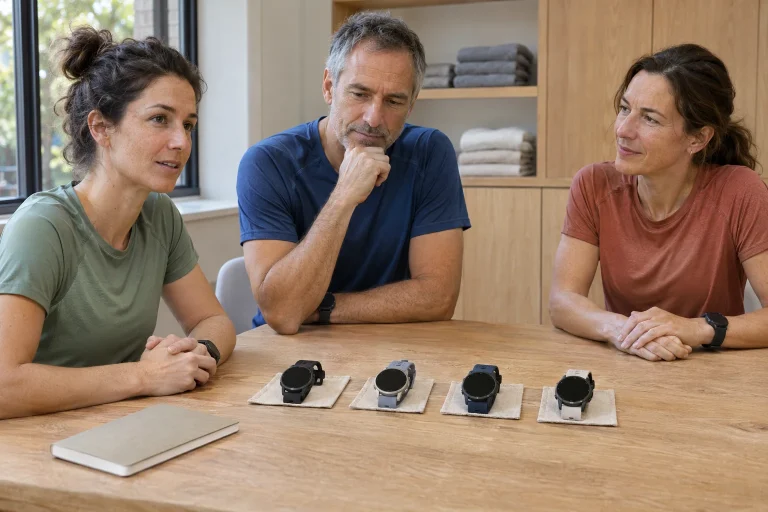
The 42 mm version’s specification lists a 42.4 × 42.4 × 12.9 mm case, 42 g weight, a 1.2-inch 390 × 390-pixel AMOLED display and a 20 mm quick-release strap. The 47 mm version has a 47 × 47 × 12.9 mm case, weighs 50 g and has a 1.4-inch 454 × 454-pixel display with a 22 mm strap. The 42 in its name does not give every decimal of the actual case width.
Do not compare displays only on a shop’s home screen. Select the layout you would use while running: lap pace, lap time and total elapsed time, for example. More screen area is useful if the required data becomes easier to read while the watch still fits comfortably. A smaller case may be preferable if the larger one bothers you during wrist movement or beneath a jacket sleeve. This is an individual fit question.
Weight and strap-width differences do not provide a complete comfort verdict either. Move your wrist, check button access and whether the watch slips at your usual strap position. A smaller watch that fits can be worth more than a larger display needing constant adjustment. Display and case choice need not be tied to performance level or gender; actual use and anatomical fit matter.
Daily running: recording, a goal and reviewing
The manufacturer’s comparison lists multiband GNSS, SatIQ automatic mode, Training Status, Training Readiness and music storage for the 570. These serve different tasks: GNSS supports location and movement data, load summaries support interpreting the log, and music supports convenience. None replaces another. Numerous features help when they actually have a role in the selected workout.
In a simple personal workflow, decide beforehand whether to follow time or distance, select the right profile, wait for readiness and start recording. Afterwards, review the actual event. Separating work intervals and recovery may matter more than the whole run’s average pace in an interval workout. A data screen arranged around your task can make the right number visible at the right moment.
An algorithmic readiness or load summary interprets the device’s data. It is not automatic permission for any workout or a guarantee against injury. You need not treat this as a new alarm at every run; simply keep its role in proportion. Uncertain measurements, incomplete wear or a completely new watch make log context useful for understanding a changed display.
 Enlarge image
Garmin Coach and multiple sports: what makes the week manageable?
The official announcement of the 570 and 970 describes Garmin Triathlon Coach access and step-based multisport workouts created in Garmin Connect for both models. The current Triathlon Coach support information specifically lists the 570 as compatible. An adaptive plan and a pre-built plan followed independently are different services, with different timing and rescheduling logic.
The current adaptive triathlon description specifies plans lasting 6–52 weeks, multiple distances, automatic adjustments and double or combined sessions on some days. It also lists heart-rate and power-data requirements for cycling. Anyone expecting to use the whole service with only a running watch should check the plan’s sensor needs first. Watch compatibility does not mean every required input exists without external equipment.
For a runner, the benefit can lie in an organised process: a plan enters the calendar, the task reaches the watch and execution can be followed stage by stage. In an example of our own, recording transitions and preserving sport-specific data in a combined bike-and-run session differs from starting two separate easy activities consecutively. Learn the workflow on an easy trial day before relying on it for an important event.
Timing Gates: course-point laps, not external chip timing
The current 570 activity settings describe location- and course-based options alongside traditional distance-based Auto Lap. With Auto Select, following a course with timing gates can trigger laps at mile or kilometre course points; otherwise it uses the Auto Distance setting. Such a course can also be created in Garmin Connect. This belongs to a digital course followed on the watch, rather than directly reading the organiser’s chip-timing mat.
An example makes the difference clear. Traditional automatic laps close when the watch’s own distance calculation reaches one kilometre. A course-point version uses a predefined point on the followed course. If your recorded distance differs slightly from course kilometre marks, lap boundaries may occur elsewhere. This does not necessarily make total device distance instantly match the organiser’s measurement.
During preparation, check the course sent to the watch, direction followed and active Auto Lap option. Automatic laps tied to a wrong or outdated course file do not correct a route discrepancy. The feature’s value may be aligning lap interpretation with a shared course-point system. Course and watch settings working together matter more than the feature’s impressive name.
Read battery life together with mode and size
The November manual’s battery table lists up to 10/11 smartwatch days for the 42/47 mm versions and 18 hours in GPS Only for both. Auto Select lists 14/16 hours, and All + Multi-Band 13/14. With music, GPS Only lists 9 hours, while Auto Select and multiband list 8. Actual life depends on enabled functions and use; figures in days and hours describe different operating situations.
The larger case therefore does not provide the same proportional gain in every mode. GPS Only has no difference in the manufacturer’s table, while Auto Select differs by two hours. Comparing 11 days directly with the duration of a long run is inappropriate. For racing, read the row matching your GNSS mode, music and accessories, then leave reserve using consumption observed in your own use.
In a simple planning example, rather than a product test, a personal three-hour trial consumes 24 percentage points, averaging eight per hour. This does not guarantee the rate remains identical to the final percentage point, but shows why actual settings matter. Do not finely budget a six-hour target against a factory maximum from another mode. The trial reveals conditions rather than constituting laboratory battery certification.
Phone, audio and the evening overview
The 570’s microphone and speaker also support call handling through a paired compatible phone; this is not an independent LTE subscription inside the watch. Phone-assistant abilities also depend on the particular phone and service. Name your audio need precisely: workout announcements, answering an incoming call or using the phone’s assistant? These require different connections and settings.
The current US Garmin Connect compatibility page specifies iOS 18.2 or later, or Android 9 or later; Android needs native Google Play support and excludes Go edition. Other regional pages may show older minima, so check the particular phone and app-store conditions at installation. Being able to install the app does not itself certify every phone-linked audio feature.
The Evening Report can show the next workout and weather, Body Battery data and sleep guidance before bedtime. Its practical benefit may be evening preparation: checking tomorrow’s task, setting out clothing and deciding when activity fits. The report is an organisational reference; forecasts and algorithmic summaries are not certain descriptions of tomorrow’s condition.
 Enlarge image
How does the 970 differ, and why does that matter?
The manufacturer lists sapphire glass, a titanium bezel, a built-in LED flashlight and specialised running metrics among the 970’s additions. It also specifies an HRM 600 requirement for running economy and step speed loss. These should not be attributed to the 570 because both appear in the same press release. The 570 manufacturer’s comparison data also does not mark built-in mapping or the Garmin ECG App as supported.
The 570 does, however, support following a loaded course in its own manual. Line-based navigation differs from detailed built-in maps. Following a pre-planned familiar route is one task; seeing and interpreting the surrounding path network on branching terrain is another requirement. Try mapping needs separately rather than confusing them with GNSS accuracy.
Paying more for additional metrics makes sense when you can identify a recurring question they usefully answer and accept any extra sensor needed. If you do not know how step speed loss would alter a decision, its name alone is not a buying argument. Maps or a flashlight may be different if regularly needed on your routes. Prioritising personal tasks remains clearer than a general premium-category promise.
Three real situations for a buying trial
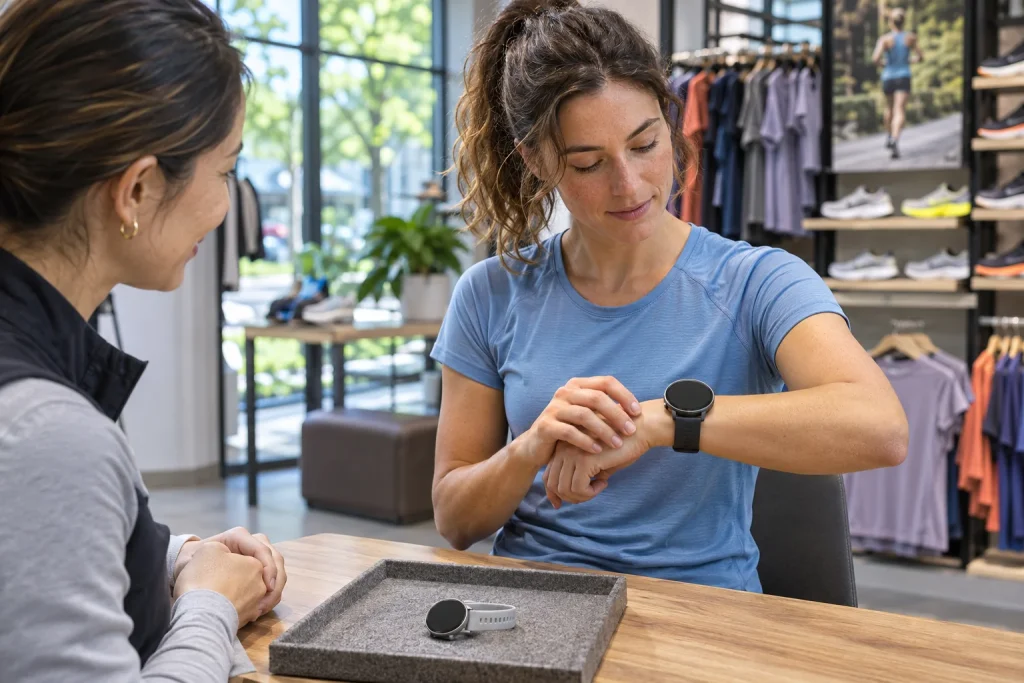
First test wrist fit and display with your chosen case size, clothing and intended fields. Second test the workflow: send a simple personal workout or course, then examine starting and reviewing it afterwards. Third test the connection: the desired service should work on the actual phone and audio output you will use later. A glossy shop home screen replaces none of these.
For marathon preparation, a timing-gate course and battery life in the chosen GNSS mode may be separate questions. When organising several sports each week, Coach and combined-workout workflow may matter most. If you mainly run familiar city loops, fit, readability and well-handled intervals may carry more weight than built-in maps. These are different use situations and do not produce one answer for everyone.
Assess the Forerunner 570 primarily through its versatile running and multisport workflow. A sound decision means choosing a comfortable size, verifying important services within your own system and knowing which 970 additions you do or do not need. Check prices and subscription offers when buying; this guide contains no hands-on accuracy ranking or sale price claimed to remain current.
Sources
- Garmin: 570 42 mm specifications
- Garmin: 570 47 mm specifications
- 570: battery life
- Garmin: 570 and 970 announcement
- Garmin: Triathlon Coach
- 570: Auto Lap settings
- 570: Evening Report
- Garmin Connect: phone requirements
- Garmin: built-in mapping and ECG comparison
- 570: following a course
How Futószív articles are prepared: our editorial guidelines.