Two versions, one important question about independence
When choosing a Forerunner 165, the Music label is more than decoration. The base model is also an AMOLED GPS watch designed to record running, but independent playback of audio downloaded to the watch is specific to the Music version. Controlling music playing on a phone from your wrist is separate. Before asking whether you generally “need music in a watch”, identify where you want to store and play it.
The 165 series was announced by Garmin in February 2024; it is not the newest launch in the 2026 range. It may still suit a current running task well. This article uses official information available on 21 November 2026, without hands-on accuracy testing. Current software support and services need separate examination; a launch two years earlier does not establish permanent support or today’s app requirements.
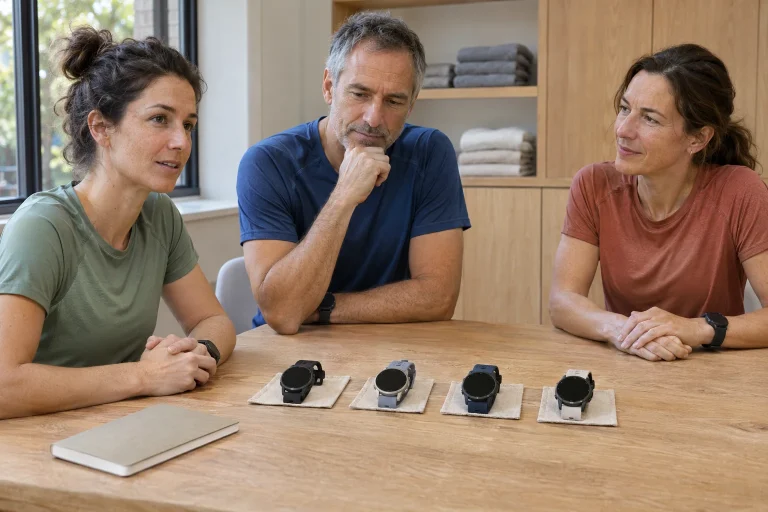
Three different uses help frame the choice. One runner always carries a phone and plays music from it. Another wants a familiar loop without a phone, using a downloaded playlist. A third uses no audio and wants only an easy-to-follow workout and readable data. These are different tasks rather than equipment ranks. The value of paying extra for Music varies accordingly.
What does the series provide for running basics?
The manufacturer’s launch announcement describes a colour AMOLED touchscreen, five-button controls and built-in GPS for both versions. The 165 Music specification lists a 43 × 43 × 11.6 mm case, 39 g weight, a 1.2-inch 390 × 390-pixel display and a 20 mm quick-release strap. Wrist fit and your chosen running data layout still require a personal trial.
Built-in GNSS recording means you do not have to continuously borrow the phone’s location service to record a running route. It does not mean every phone-dependent service works without the phone. Recording, syncing and a linked safety or notification feature use different data paths. If independence matters, name the required task rather than only asking whether the watch is “standalone”.
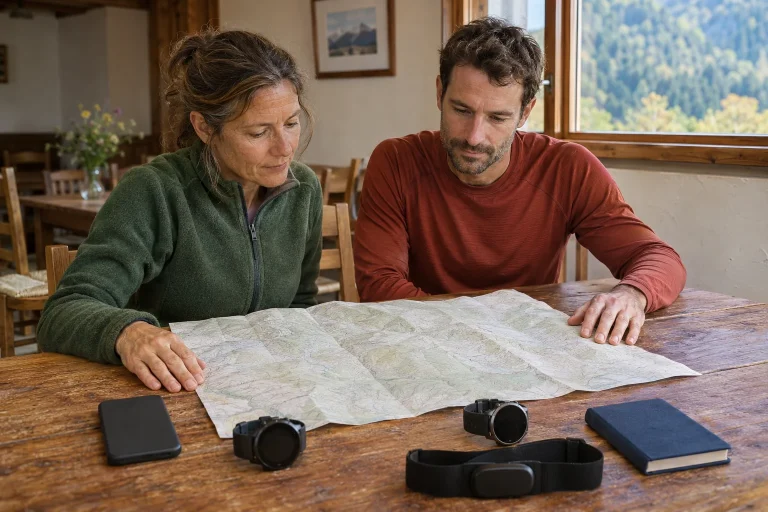
On a personal trial loop, check starting, satellite-ready status, lap alerts and saving. Assess readability with the fields that matter to you rather than only an attractive watch face. For an interval task, lap time and the current section’s data may matter more than the whole workout’s average. Its value as a running tool lies in whether your task is easy to complete and understandable to review.
Controlling a phone’s player is not storing music on the watch
The phone music-control chapter in the 165 manual separately explains reaching the control view on Music and non-Music versions. Selecting Control Phone lets you control playback already started on the phone. Audio does not work because the base watch has acquired Music hardware capabilities. The control signal and storage location of the music file are separate parts of the system.
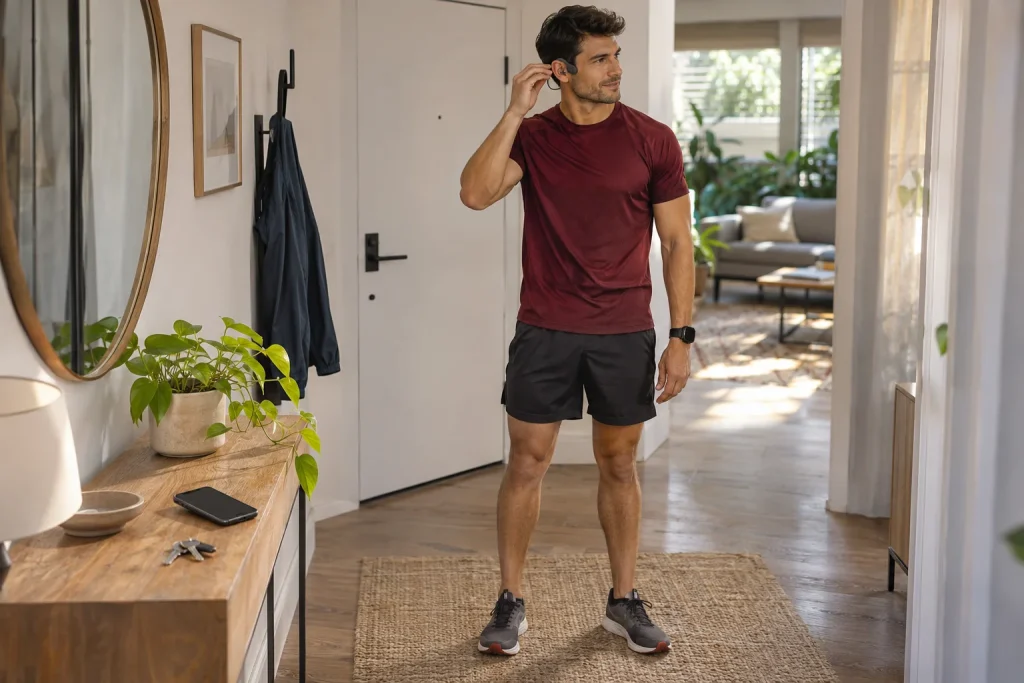
If you always carry your phone, this can be convenient: you need not take it out for every change, while it remains the audio source. Understand which device the headphones are paired with. If connected to the phone, the audio chain begins at the phone player. Stopping a track from your wrist does not make the watch its source.
A simple, calm trial can clarify this: while stationary, check which source the music control shows and which device is playing. Do not disable every connection at once, which only confuses causes. Changing conditions one at a time reveals which missing connection stops the service. This helps you understand your own system rather than constitute a general Bluetooth compatibility test.
 Enlarge image
On the Music version, content must reach the watch beforehand
The model’s own Wi-Fi description ties Wi-Fi to the Music version and lists syncing third-party audio among its uses. According to Garmin’s music-download support, downloading requires Wi-Fi after setting up the provider app; already synced content can later play without a phone or Wi-Fi. This is prepared offline use, rather than unlimited mobile-internet streaming while running.
The same support information distinguishes subscription requirements. It lists Premium for Spotify and Premium or Family for Deezer; Amazon Music and YouTube Music have their own conditions. Check the particular provider and watch compatibility within the chosen app. A subscription library is not necessarily equivalent to your own freely transferable audio files, and a song downloaded to a phone is not automatically available on the watch.
Before setting off, do more than find a playlist’s name on the watch. Check that the desired content actually plays through headphones connected directly to it. Provider entitlement can require periodic verification, so a long-downloaded list is not a promise of permanent access. Supported format, stored content and current entitlement matter together in your music system.
All Systems means multiple satellite systems, not automatically multiple frequency bands
The 165 satellite-settings description explains GPS Only, All Systems and UltraTrac options. All Systems uses multiple satellite systems; that does not imply multi-frequency, multiband mode. The terms describe different properties. Someone seeking a higher series’ SatIQ or multiband feature cannot simply equate All Systems with that capability.
Your own route may be important to the choice. An open loop with clear visibility and a city section among tall buildings present different receiver conditions. Rather than a universal accuracy ranking, examine completed recordings in your own circumstances. Do not judge every possible use from one cut corner or one perfect loop, or treat another consumer watch’s trace as a reference measurement.
According to the manufacturer, UltraTrac records track points and sensor data less frequently to improve battery life at the cost of activity detail. This is a different trade-off from enabling more satellite systems. If short sections, precise lap boundaries or detailed later analysis matter, judge the effect of sparser data against those needs. Longer manufacturer battery life is not improvement in itself if the detail you need changes.
Training plans, daily suggestions and your own workout: choose a clear starting point
The current Garmin Running Plans compatibility list includes the 165 series with support for Garmin Run Coach and Expert Running Plans. These are different services; check exact goal and distance options when setting up a plan. An old demonstration screen does not establish that every plan still offers the same three goals or rescheduling rules today.
The daily workout suggestion support information describes recommendations based on recent activity and recovery data, while a plan workout scheduled in the calendar may take priority in the prompt. This may explain why your screen differs from a clubmate’s without a plan. A daily suggestion and a selected training plan are not two compulsory tasks to complete consecutively.
In an example of personal use, on Monday you follow a self-built easy run based on time, while Wednesday uses a task from a chosen plan. Always know the source of that day’s session. You create the stages of a manual workout, whereas an adaptive plan may change future offerings. Learn transitions between warm-up, work and recovery during a calm trial before relying on them.
Plan battery use together with music
The 165 manual lists up to 11 days in smartwatch mode, 19 activity hours in GPS Only and 17 in All Systems. With music on the relevant Music version, the figures are 7 and 6.5 hours respectively. UltraTrac’s manufacturer maximum is 25 hours. These describe different conditions rather than one battery promise from which you can freely select. Actual use can differ with display, sensors and other enabled features.
For a long event, the 19-hour row is not the right reference if you want All Systems with music. Start from the manufacturer’s 6.5-hour row, then plan using consumption from your own trial and a reserve. Target finishing time is not necessarily the entire active-use period: waiting before the start and operation after finishing can also belong to the day.
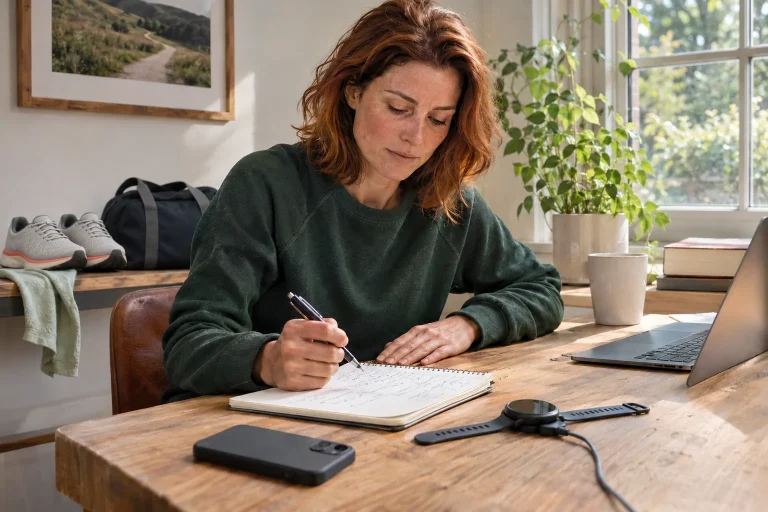
In an illustrative calculation, a personal seventy-five-minute trial uses 15 percentage points, averaging 12 percentage points per hour. This does not guarantee eight and one-third hours of total running time, since consumption and conditions can vary. It does help reveal the importance of your configuration. A battery answer is useful when mode, music and observed circumstances accompany the number.
 Enlarge image
Software, phone and connected services
The 165 software page documents the August 2026 release 29.05 and earlier fixes, including race-event and training-plan display issues. This describes the support state checked now, rather than guaranteeing future updates. Check software during initial setup of a used or long-unsynced watch. A known synchronisation issue already fixed does not justify dismissing the entire model’s capability.
The current US Garmin Connect requirements specify iOS 18.2 or later, or Android 9 or later with native Google Play support and excluding Go edition. Older regional pages can show different minima. Check your own app-store availability and particular phone’s support at installation; requirements printed on an old box do not guarantee today’s app can be installed.
Even with phone-free music and route recording, consider which linked feature you want. A message or live data sharing may require another connection from locally recorded training. The Music label does not imply independent cellular service or help-seeking without any dependencies. Before leaving, understand the operating chain: what is on the watch, what is on the phone and which service expects internet access.
When might the base version be enough, and when does Music make sense?
The base version may suit someone who uses no music, or always listens from a phone, and wants running-workout functions. Music adds something specific when you want downloaded audio to play from the watch and accept the requirements for preparation, headphones and provider entitlement. A better choice is not defined by buying the more fully equipped version, but by actually solving the required task.
Try both typical starting arrangements. With phone music, phone playback and wrist control should work together. With Music, previously downloaded content should actually play from the watch, with the running GNSS mode selected. In either case, check saving and later synchronisation too. The trial should verify one clear workflow rather than an accidental success from several mixed services.
Consider the Forerunner 165 series as a specific family of running tools: independent location recording, a readable display, supported training workflows and version-dependent music. Check current price, warranty and availability separately when buying. If your main need is multi-frequency GNSS, another navigation category or a specialist service, make it an exact model requirement. Relabelling a base watch for music later, or an appealing All Systems label, does not change those boundaries.
Sources
- Garmin: announcement of the 165 series
- 165: satellite settings
- 165: phone music control
- 165 Music: Wi-Fi
- Garmin: music downloads and subscriptions
- 165: battery life
- Garmin: running-plan compatibility
- Garmin: daily suggestions
- 165: documented software releases
- 165 Music: technical specifications
- Garmin Connect: phone requirements
How Futószív articles are prepared: our editorial guidelines.